
Websites & SEO
Is Your Website Quietly Falling Apart? [Checklist]
Website maintenance stops slow pages, dead links and security holes costing you customers. Spot the symptoms and check your site in 15 minutes.
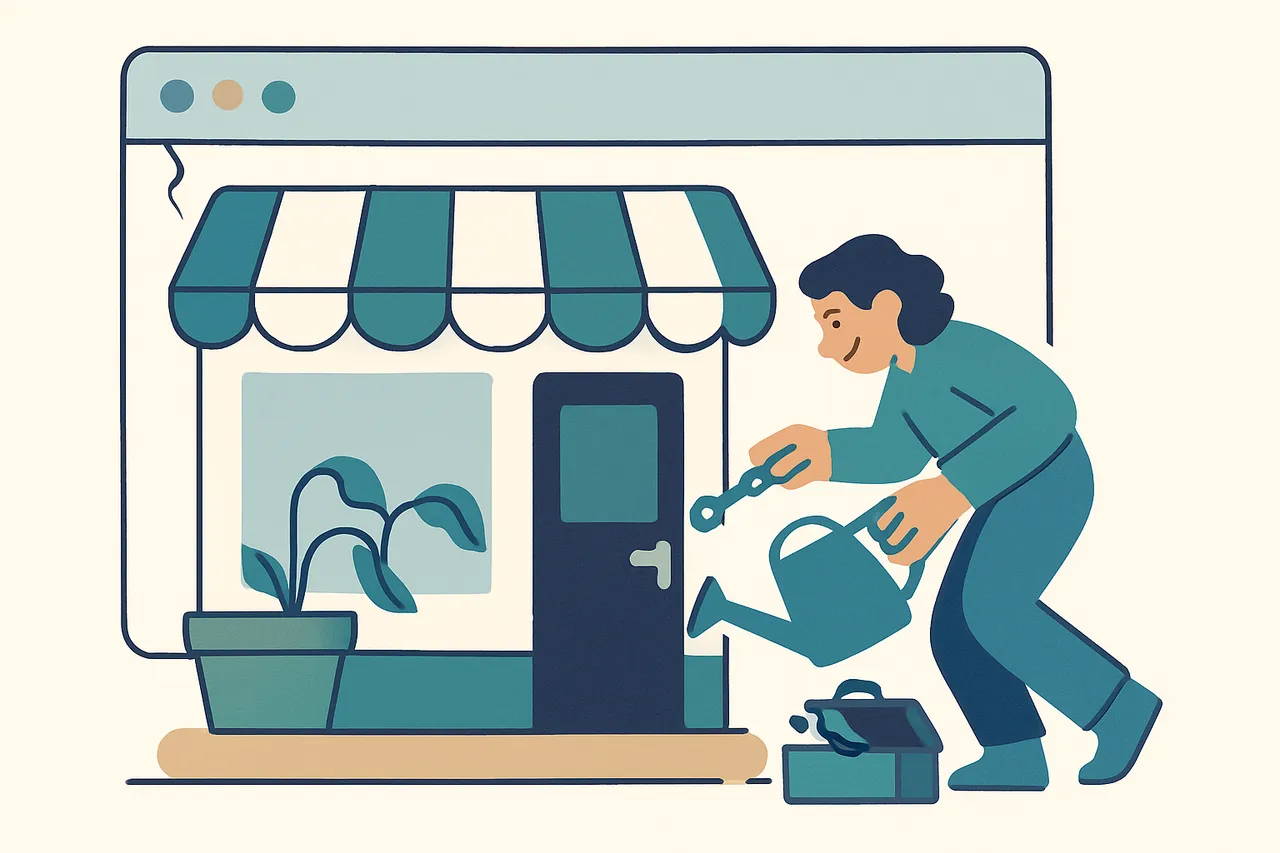
Your website is quietly falling apart if nobody competent has checked its forms, software, backups and speed since it launched. If you run a small business in the UK and your site has been left to its own devices for a year or more, this post is for you. By the end you will be able to spot the warning signs, run a 15-minute check yourself, and decide whether you need help. We are a Manchester technology business that started at the repair bench, and we both build and maintain websites for clients, so we see exactly how sites decay when nobody is watching them.
Why don’t websites tell you when they break?
Websites rarely break with a bang; they decay slowly and silently, usually in the ways that cost you customers before anyone tells you something is wrong. Nobody emails to say your site took six seconds to load or that your contact form has been swallowing enquiries for a month. They just leave and ring the next business on Google.
The failure is invisible to the one person who could fix it
That is the problem with website neglect. You do not use your own contact form, so you would never notice it has stopped sending. You visit your own site on fast office wi-fi, on a desktop, with everything already cached, which is the one condition under which it always looks fine.
Nobody is coming to tell you
Customers do not report faults. They form an impression and leave. By the time a problem is obvious enough for someone to mention it, it has usually been costing you work for months.
What are the symptoms of a neglected website?
The clearest symptoms are slow pages, stale information, broken features and missing security updates. Each one teaches a visitor the same quiet lesson: this business does not check things. Here is how the common symptoms map to their likely cause and the risk they carry.
| Symptom you notice | Likely cause | What it could cost you |
|---|---|---|
| Pages load slowly on a phone | Bloated images, too many plugins, crowded hosting | Visitors leave before the page loads; lower Google ranking |
| Old prices, hours or services showing | No process for content changes | Lost trust; customers turn up to a closed shop or argue over price |
| Contact form or booking button does nothing | Broke after a hosting or software update | Enquiries vanish silently for weeks; you never know they tried |
| Browser shows a security warning | Expired SSL certificate | Visitors bounce instantly; the site looks unsafe |
| Site defaced, redirects or odd pop-ups | Outdated software with a known vulnerability | Clean-up or rebuild, blocklisting by Google, possible data breach |
Why small sites get hacked
Here is the honest part. Most hacked small business sites are not singled out. Automated scanners sweep the web for sites running outdated software with known holes, and they do not care whether you are a multinational or a bakery. An unpatched site is a parked car with the keys in it.
The UK’s National Cyber Security Centre publishes plain-English guidance for small businesses on keeping software updated and backed up, and its Cyber Essentials overview sets out the five controls that stop the majority of routine attacks. If certification matters for your contracts, that is what our Cyber Essentials service is for.
The symptom nobody sees
The worst of the list is the dead contact form, because it is the only one with no visible signature. A slow page feels slow. An expired certificate shouts. A form that quietly stops sending looks perfect from the outside and simply makes your business appear to have stopped answering.
What could neglect actually cost you?
The cost of a neglected website could land as one big bill or a slow leak, and usually you do not see it coming. A rebuild after a hack, a month of lost enquiries from a dead form, or the steady reputational drip of a site that feels abandoned all add up in ways that never show on a report.
The data protection angle
If your site collects customer details and a breach exposes them, you have obligations under UK data protection law. The Information Commissioner’s Office sets out what you must do to keep personal data secure, and “the site was old” is not a defence. We are not saying this to frighten you. We are saying routine care could cost far less than any one of these outcomes.
The compounding cost
The awkward part is that these failures multiply. A slow site ranks lower, so fewer people find it. The ones who do find it meet a form that does not work. The few who ring instead may hit a phone nobody answers, which is its own expensive problem. Each leak is survivable alone; together they are why a business can be busy and still quiet.
The same logic applies to everything downstream of the site. If enquiries do arrive but nothing chases them, that is a workflow problem rather than a website one, and no amount of maintenance fixes it. It is worth knowing which of the two you actually have before spending money, which is the point of our guide to what AI automation can actually do.
How can you check your website in 15 minutes?
You can run a useful health check yourself in about a quarter of an hour, no technical background required. Work through these steps in order and note anything that fails.
- Open your site on your phone over mobile data, not wi-fi. Time roughly how long the home page takes to appear. More than three or four seconds is a problem.
- Submit your own contact form with a real message. Confirm the email actually arrives, and check the spam folder too.
- Check the padlock in the browser address bar. Click it and look for a valid, in-date SSL certificate. A warning here scares every visitor off.
- Run a free speed test. Paste your home page into Google’s PageSpeed Insights, which scores your speed and lists the exact issues holding it back.
- Read your own key pages as a stranger would. Are the prices, opening hours and services all current? Is anything you stopped offering still listed?
- Click your main navigation links. Note any that lead to errors, blank pages or the wrong place.
How to read a speed score without panicking
A speed score is a diagnosis, not a grade. Google’s Web Vitals documentation explains the three measures that actually correspond to how the page feels: how fast the main content appears, how quickly it responds to a tap, and whether things jump around while loading. Fix those three and the score follows.
What the check cannot tell you
That short pass will usually surface the obvious decay. What it cannot tell you is whether your software is patched, whether your backups would actually restore, or whether something is quietly broken behind the scenes. Those need someone with access to the server, not the browser.
What does proper website maintenance involve?
Proper website maintenance is unglamorous, which is exactly why it works: updates applied promptly, backups that truly restore, monitoring that catches problems, and content changes done quickly by someone who knows the site. None of it is exciting. All of it is cheaper than the alternative.
In practice it covers a short, regular list:
- Software and security updates applied promptly, so known vulnerabilities get closed before they are exploited.
- Backups that actually restore. An untested backup is a hope, not a plan.
- Monitoring for uptime, speed and breakage, so problems are found by software rather than by a lost customer.
- Content changes on request: new prices, new photos, seasonal pages, done quickly.
- A short, readable report of what was done and how the site is performing.
Being maintained and being found are the same job
There is no point maintaining a site nobody reaches. Google’s SEO starter guide is the honest baseline, and most of what it asks for, fast pages, working links, current content, is the same list as above. That overlap is why we handle websites, hosting and SEO as one service rather than three.
If you would rather understand how to build a site that is cheaper to look after in the first place, our guide to AI web design and what has actually changed is a sensible next read.
How often should each check happen?
Different jobs run on different clocks, and treating them all as annual is how sites rot. This is the schedule we work to for clients.
| Job | How often | Why that often |
|---|---|---|
| Security and software updates | Within days of release | The gap between a patch and an exploit is short |
| Backup restore test | Quarterly | An untested backup has never actually worked |
| The 15-minute self-check | Monthly | Catches dead forms and stale content early |
| Full technical review | Yearly | Finds the slow decay nobody notices month to month |
The one to never skip
If you only keep one line of that table, keep the update schedule. Everything else on the list costs you customers. That one can cost you the site.
What is the escalation path if a check fails?
If your 15-minute check turns up a failure, deal with the urgent and the risky first. A broken contact form or an expired SSL certificate is costing you customers right now and should be fixed today, ideally by whoever hosts or built the site.
If you find signs of a hack
Take the site offline or into maintenance mode, restore from a known-good backup if you have one, then change all passwords before bringing it back. If your software is badly out of date or you cannot tell, that is the moment to get a technical person to do a proper audit rather than guessing.
The question worth sitting with
When did a competent person last look at your site, not glance at the home page, but check the forms, the software, the backups and the speed? If the honest answer is “when it was built”, it is not being maintained. It is being left to decay, and the only open question is which failure you find first, and whether a customer finds it before you do.
If you would like a second pair of eyes, ask us and we will run through it with you and say plainly what, if anything, needs doing. If the wider question is where technology is costing you money across the business rather than just on the website, that is what our AI Opportunity Assessment is for.
Frequently asked questions
How often should a small business website be checked?
Run the quick self-check monthly and have someone technical look properly at least quarterly. Software updates should be applied far more often than that, ideally within days of release, because that is the window attackers work in.
How do I know if my contact form is broken?
Submit it yourself with a real message and confirm the email arrives, including in spam. Most owners never test their own form, which is exactly why a broken one can swallow enquiries for weeks without anyone noticing.
Why did my website get hacked when nobody knows my business?
Most hacked small business sites are not targeted. Automated scanners sweep the web looking for known vulnerabilities in outdated software and take whatever they find. Being small is not protection; being patched is.
Does website speed really affect my Google ranking?
Speed is one of the signals Google measures, and it affects visitors regardless of ranking. A page that takes several seconds on a phone loses people before they ever see it, so the lost enquiries usually matter more than the ranking effect.
What is the difference between hosting and maintenance?
Hosting is the space your site sits on. Maintenance is someone actually looking after what is in that space: applying updates, testing backups, checking forms and fixing what breaks. Paying for hosting alone does not mean anyone is watching your site.
Do I still need maintenance if my site is just a few pages?
Yes, and it costs less. A small site has fewer things to break, but the ones that do break are the ones that matter: the contact form, the certificate and the software underneath it. The size of the site does not change the size of a lost enquiry.
Read next
-
AI & automation
How Missed Calls Cost Business: The Real Price (2026)
-
Websites & SEO
AI Web Design vs Agency vs DIY: An Honest Guide (2026)
-
AI & automation
What Can AI Automation Actually Do? A Plain-English Guide