
Cyber Essentials · Cyber security · Protection
Cyber security, made simple.
Government-recognised Cyber Essentials and practical, everyday protection for small businesses in Manchester and across the UK. We close the gaps attackers rely on, in plain English, with no jargon and no scare tactics.
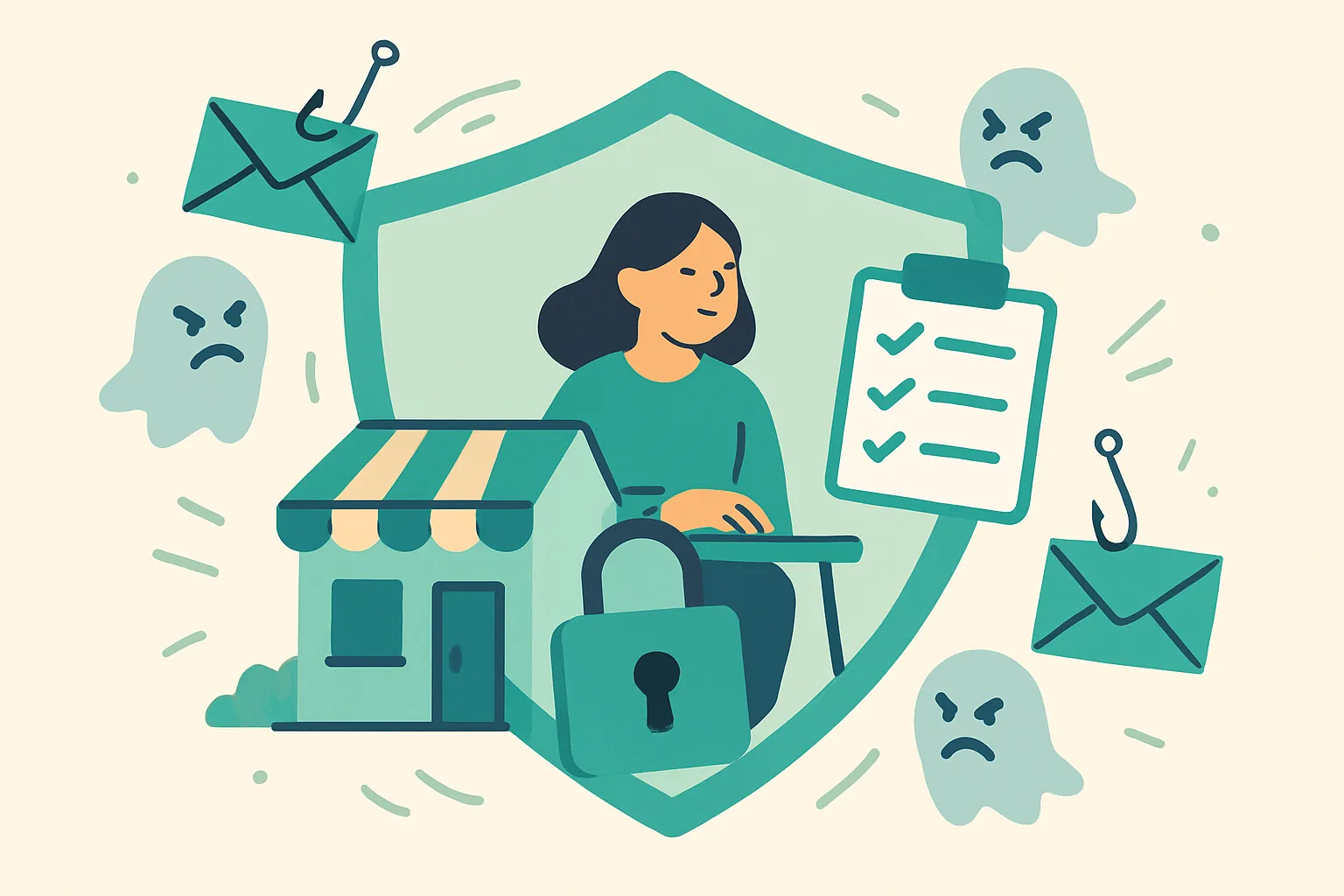
The problem
Most incidents are not dramatic. That is exactly why they are easy to put off.
- A convincing email asks you to pay a supplier account that has quietly changed.
- A password gets reused one too many times.
- A laptop never quite finishes its security updates.
- A tender form asks for Cyber Essentials, and you have to say no.
- Antivirus is the only thing standing between you and a bad day.
- Nobody is quite sure who still has access to what.
Attackers use automated, cheap tools, so they do not care how small you are. If there is a gap, something eventually finds it. The fixes are rarely exotic. The hard part is finding the time to do them properly, and someone calm to tell you which bits actually matter for a business your size.
Why it matters
Calmer protection that holds up.
Fewer easy openings
We close the common gaps attackers rely on, so an ordinary mistake is far less likely to become an expensive incident.
Doors stay open commercially
Recognised certification means you can answer the security question on tenders and contracts with a straight yes.
Protection you can keep up
We set things up so they stay manageable day to day, rather than a one-off fix that quietly falls apart after a month.
What we help with
From the five basics to full certification.
Built on recognised guidance
The same standards the UK's own bodies recommend.
We keep to the guidance published by the National Cyber Security Centre and its partners, rather than sales-driven scare tactics. If you want to read the source material, start here.
- NCSC: Cyber Essentials overview The official scheme and its five controls.
- IASME: Cyber Essentials The NCSC delivery partner, covering certification and fees.
- NCSC: Small Business Guide Practical baseline security for small organisations.
- NCSC: phishing scams How to spot and report suspicious emails.
- ICO: report a breach Where and how to report a personal data breach.
Who this is for
Protection sized for your business.
Part of a bigger system
Security works best joined up.
Much of the day-to-day protection lives in your everyday tools, so this pairs naturally with Microsoft 365 and IT support and with stopping scams and fraud. See how it all fits together on the homepage, or book a free review.
Where to start
Start with a free security review.
We look at where you are exposed and what matters most, in plain terms. You do not need the technical answer first.
You will get a simple list of what is solid, what is risky, and the quickest wins.
Book a free reviewWe check
- Multi-factor authentication
- Software and device updates
- Backups (and whether they are tested)
- Password reuse and sharing
- Leaver access removal
- Firewall and secure configuration
- Malware protection
- Phishing awareness
- Tender and contract requirements
- What a lost device could expose
How it works
Six steps, no jargon.
-
Free technology review
A relaxed conversation to understand your business, systems and what you actually need.
-
Readiness assessment
We map your setup against the Cyber Essentials controls and flag any gaps in plain terms.
-
Fix the gaps
We work through the issues together, handling the technical parts and explaining the rest.
-
Certification
We support your self-assessment and submission through an accredited certification body.
-
Embed good habits
We put MFA, backups and simple routines in place so protection sticks.
-
Stay covered
We check in over the year and help you recertify before your certificate lapses.
A quick self-check
How exposed are you, honestly?
- Would you spot a supplier email with a subtly changed bank account?
- Is multi-factor authentication on for your email and main accounts?
- Are laptops, phones and software set to update automatically?
- Do you have tested backups you could restore from tomorrow?
- Does anyone reuse the same password across accounts?
- When someone leaves, is their access removed straight away?
- Have customers or tenders started asking if you hold Cyber Essentials?
- If a device was lost today, do you know what it could expose?
If any gave you pause, that is exactly what a readiness review is for.
Questions
Frequently asked questions.
What is Cyber Essentials?
A government-backed certification scheme, created by the National Cyber Security Centre, that helps you protect against the most common online threats. It is built around five basic technical controls: firewalls, secure configuration, security update management, user access control and malware protection.
Who runs the scheme?
The NCSC owns it and it is delivered through IASME, its official partner, working with accredited certification bodies across the UK.
How much does it cost?
The certification fee starts from around £320 plus VAT for the smallest organisations and rises on a sliding scale for larger, more complex ones. On top of the fee, allow for time or support to fix any gaps. We will give you a clear picture for your situation before you commit.
How long does certification take?
It varies. If your setup is already in good shape the assessment can move quickly; if there are gaps to fix first it depends on how much needs putting right. Most small businesses can be ready in a matter of weeks with focused help.
Do we really need it for tenders?
Increasingly, yes. Many public-sector contracts and a growing number of private clients ask for Cyber Essentials as a minimum, so it is well worth having so you are never ruled out on a technicality.
What is the difference between Cyber Essentials and Cyber Essentials Plus?
Cyber Essentials is a verified self-assessment. Cyber Essentials Plus covers the same five controls but adds a hands-on technical audit, where an assessor checks your devices and systems. Plus offers higher assurance and costs more.
Which one should we choose?
Start with Cyber Essentials unless a specific contract requires Plus. Many businesses certify at the base level first, then move to Plus when a client or tender asks for it. We advise based on who you sell to.
What is multi-factor authentication, and do we need it?
MFA means logging in needs a second step, like a code on your phone, as well as your password. It is one of the most effective things you can do, because it stops a stolen password being enough on its own, and it is expected for cloud services.
Are backups really that important?
Yes. Good, tested backups are your safety net if data is lost, a device fails or you are hit by ransomware. The key word is tested: a backup you have never tried to restore is a hope, not a plan.
How long does the certificate last?
Certification lasts twelve months, then you recertify to keep it current. We can remind you and handle the renewal so it does not lapse quietly.
We are just one or two people. Is this overkill?
Not at all. The scheme works for organisations of any size, including sole traders, and smaller businesses are often targeted precisely because attackers assume the basics are missing.
What if something has already gone wrong?
Then getting the basics in place matters even more. We can help you tighten things up, and if you have suffered fraud or a data breach there are official routes to report it, which we can point you to.
Close the easy openings before someone finds them.
Whether you want full Cyber Essentials certification or just the basics done properly, start with a free security review.