Silence, PC Hardware and Your Health: Quiet Components for Noise Sensitivity
Noise Sensitivity: Hyperacusis, Tinnitus and More
Noise sensitivity is an umbrella term for conditions where everyday sounds cause pain, stress or other symptoms. It covers more people than most realise, and for those affected, a humming computer is not just annoying. It can be genuinely distressing.
Hyperacusis is one of the more well-known conditions. Sufferers find normal sounds uncomfortably loud and may experience anxiety or even physical pain as a result. Research shows that 100% of hyperacusis patients prefer quiet surroundings, and nearly all actively avoid sounds they previously tolerated without difficulty.
Tinnitus, the persistent ringing in the ears that many people live with, is closely related. When hyperacusis and tinnitus occur together, they can reinforce each other. Noise worsens the ringing, and the ringing makes noise harder to tolerate. For some people, this cycle becomes exhausting.
Other conditions also involve heightened sound sensitivity worth being aware of:
- Misophonia causes intense emotional reactions, including anger, panic or disgust, triggered by specific sounds such as clicking or repetitive mechanical noise.
- Autism spectrum conditions frequently involve sensory hypersensitivity. A recent review estimated that 50 to 70% of autistic individuals are over-responsive to everyday sounds.
- Migraines often bring phonophobia with them. Around 70 to 80% of migraine sufferers report painful sound sensitivity during an attack.
A PC fan running in the background might seem trivial to most people. For someone with any of these conditions, it can mean the difference between a productive day and a painful one.
Why PC Noise Matters in Everyday Life
For most people, a computer’s hum fades into the background within minutes. For noise-sensitive users, it never does. Continuous fan noise has been linked to increased stress and mental fatigue, and that effect is more pronounced when someone’s auditory processing is already oversensitive.
Common case or CPU fans can produce anywhere from 20 to 40 dB under moderate load. That is roughly comparable to a quiet library or a running dishwasher. When multiple fans spin up simultaneously, noise spikes sharply. Many users with hyperacusis describe the sudden whoosh of a fan ramp as an outright trigger for symptoms. Even at idle, a noisy rig can feel relentless.
Who Is Affected Day to Day
The impact shows up in different settings. In education, students with sound sensitivity struggle to concentrate when ambient noise, including electronics, is elevated. In workplaces, quieter hardware genuinely reduces fatigue and supports productivity for people with sensory conditions. At home, a suddenly loud fan can startle a light sleeper or disrupt someone recovering from illness.
There are also practical benefits beyond comfort. High background noise impairs concentration for almost everyone. Quiet hardware matters for audio production, video editing and music recording, where even low-level fan noise bleeds into microphones and ruins takes. A silent PC removes that problem entirely without expensive room treatment.
For anyone with hyperacusis, tinnitus or similar conditions, switching to quiet components is not a luxury upgrade. It is often a meaningful change to daily quality of life.
be quiet! Engineering: Two Decades of German Silence
be quiet! is a German brand that has focused on low-noise PC hardware for over 20 years. That is not a marketing angle. It is genuinely the entire point of the company. Every product they make is designed to reduce noise at the source, rather than masking it after the fact.
Their fans are tested in anechoic chambers. Blade geometry is refined to reduce turbulence. Motor designs minimise vibration. Cases use thick insulation mats and decoupled panels to stop resonance building up. The result is hardware that consistently scores at the quieter end of independent benchmarks.
The brand covers all the main sources of noise in a typical build:
- Cases with soundproofed panels, foam lining and anti-vibration mounts.
- Fans using fluid-dynamic bearings and optimised blade profiles.
- CPU coolers with bundled silent fans and efficient heatsink designs that keep fan speeds low under load.
- Power supplies that only spin their fan when temperatures require it, staying completely silent at low loads.
If you want an honest breakdown of where be quiet! products excel and where they have limitations, our post Is be quiet! a Good Brand? covers exactly that.
The Products Worth Knowing About
PC Cases
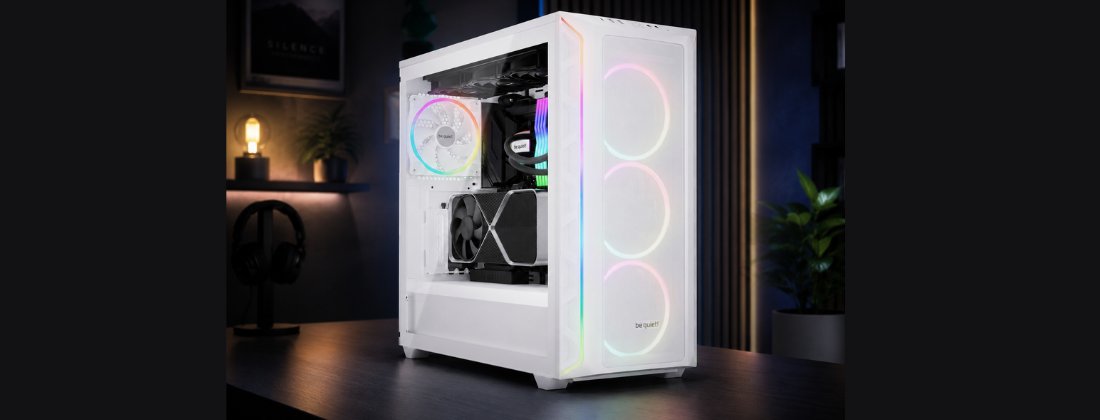
be quiet!’s cases are built around the idea that sound should be stopped before it leaves the chassis. The be quiet! Pure Base 600 ships with two Pure Wings 2 fans already installed, foam-lined panels on the front and sides, and a top cover switch to prioritise silence or airflow depending on your needs. It has been described in independent testing as one of the quietest cases available at its price point.
The be quiet! Silent Base 801 goes further, with 10mm thick insulation mats on all internal panels, noise-dampening vents, and a front panel that is decoupled from the chassis to prevent resonant rattle. Three quiet Pure Wings fans come included. For someone building a truly silent workstation or bedroom PC, the Silent Base 801 is a serious option.
Case Fans
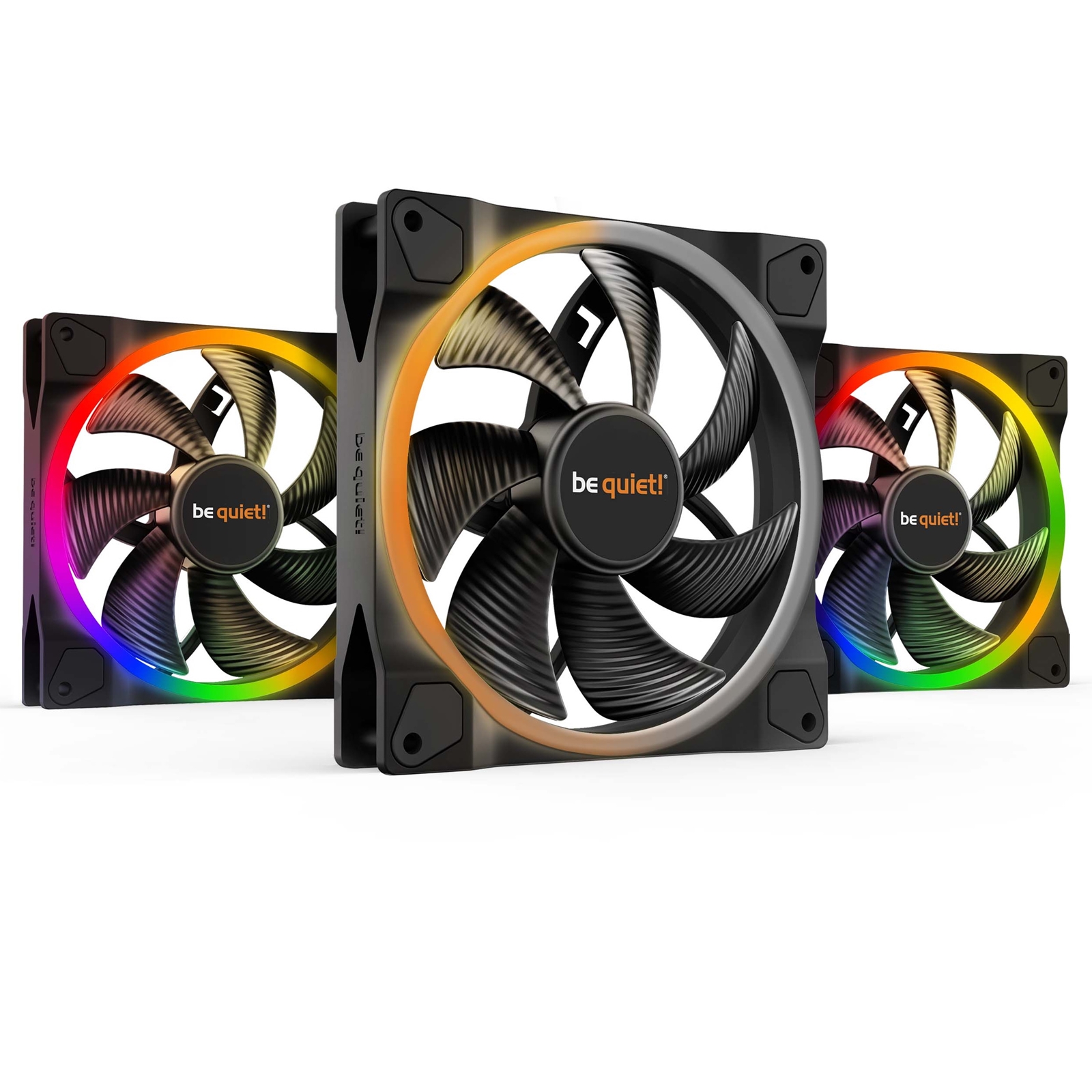
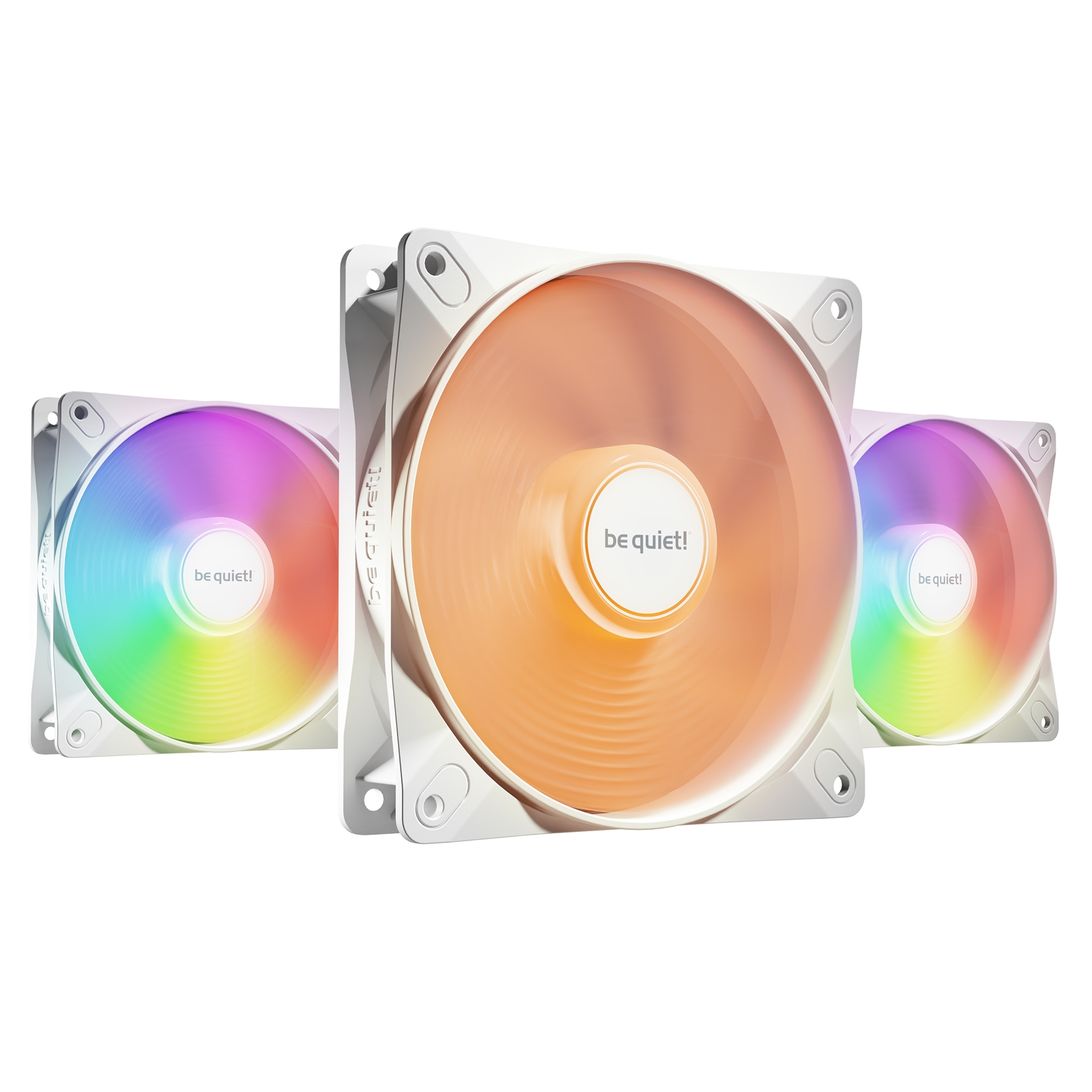
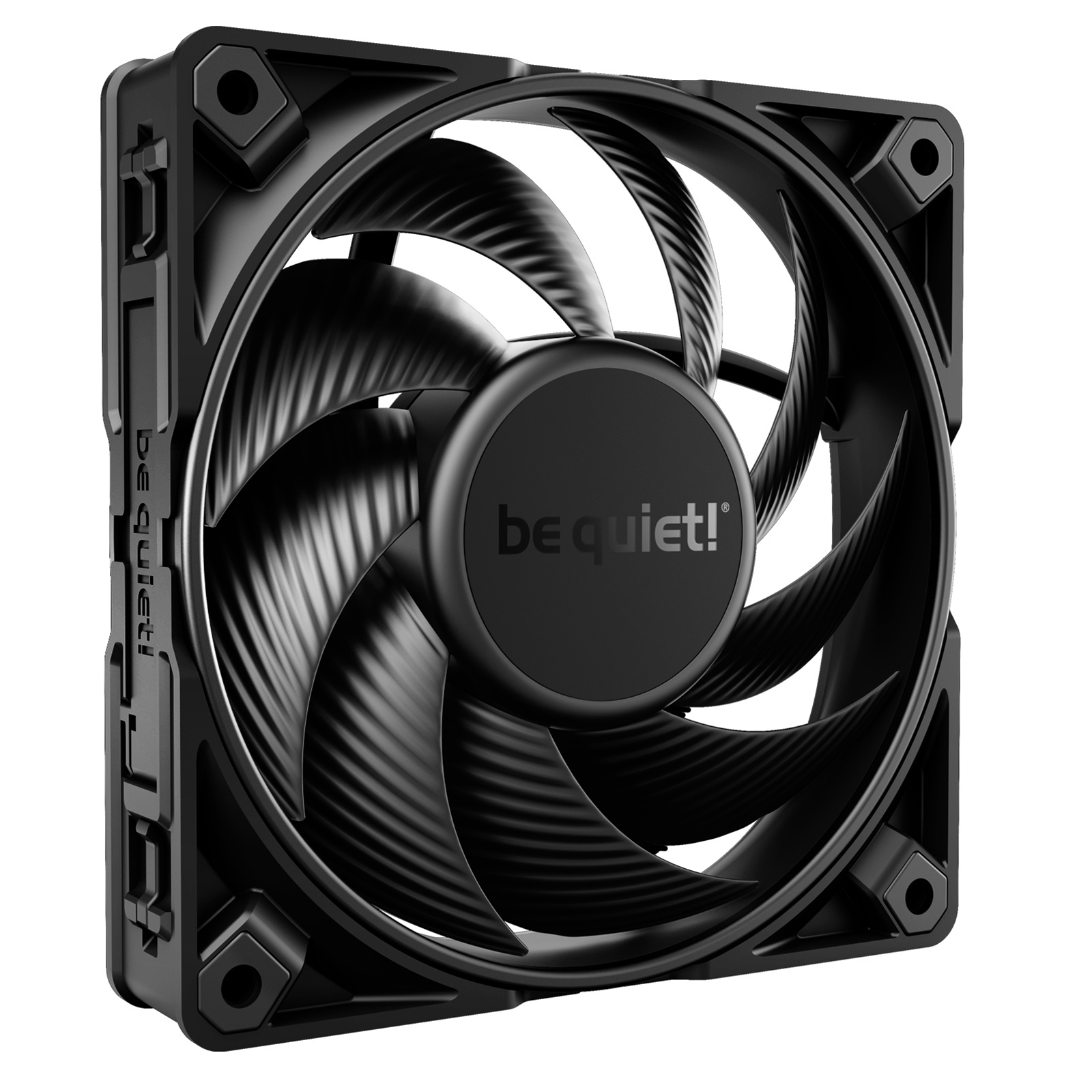
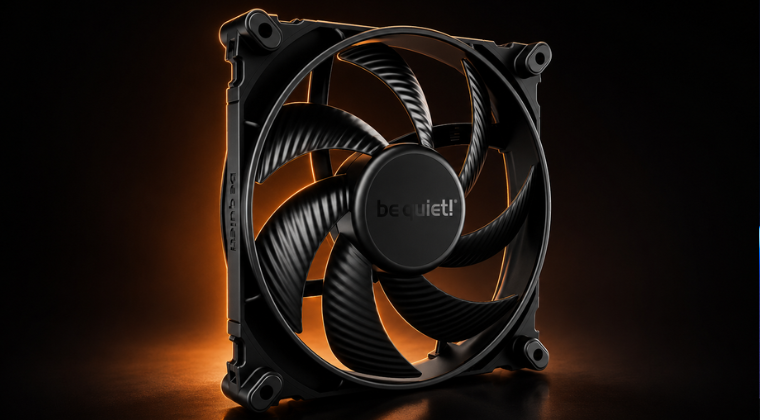
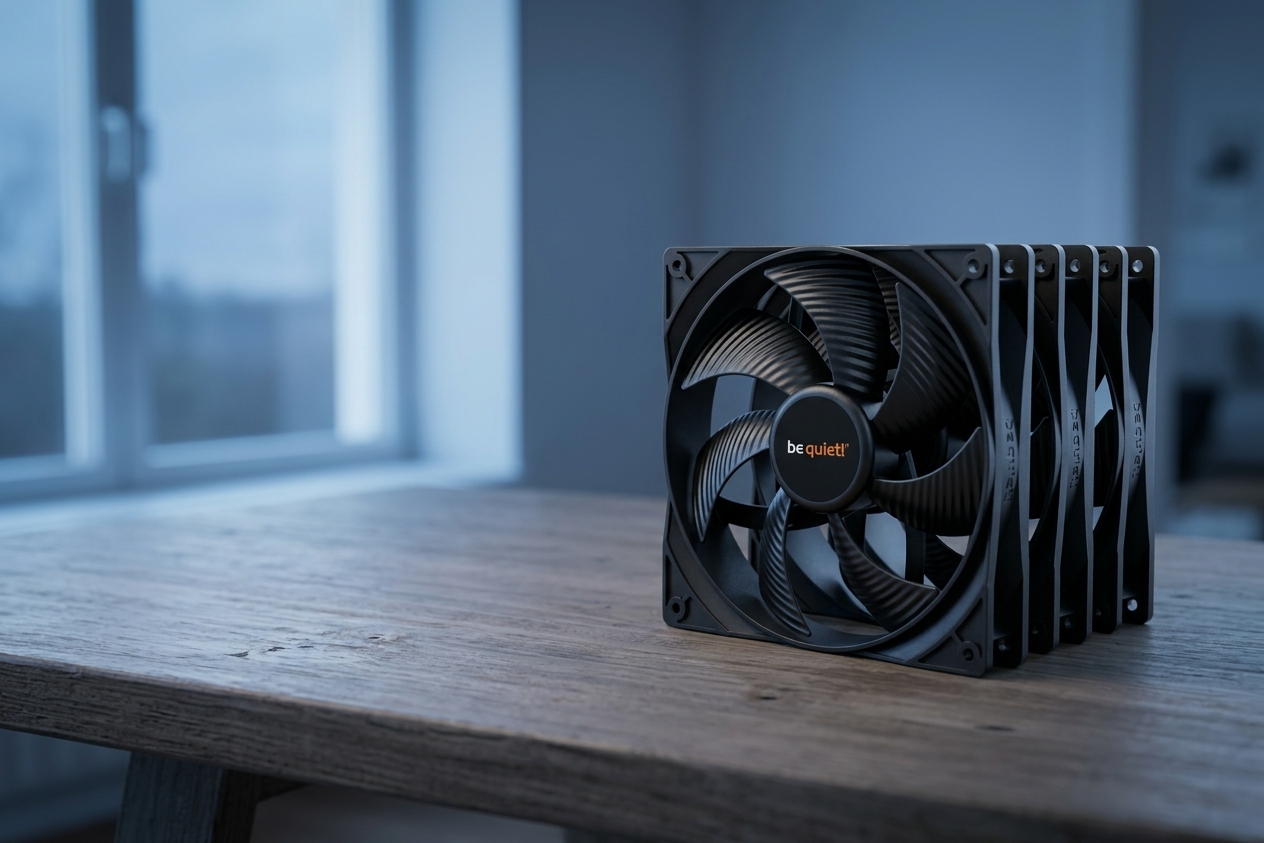
The be quiet! Silent Wings 4 fans are the flagship choice for quiet operation. They use a 6-pole motor and carefully spaced blade geometry to keep noise exceptionally low at normal speeds. Rubber mounting corners absorb vibration before it transfers to the case. The Pro models include a three-position speed switch for manual control if you want to cap them below their maximum.
At 1500 RPM, a 140mm Silent Wings 4 produces very little audible sound in a typical room. Many users report them feeling quieter than alternatives from other well-regarded brands, though subjective perception of sound varies from person to person.
CPU Coolers
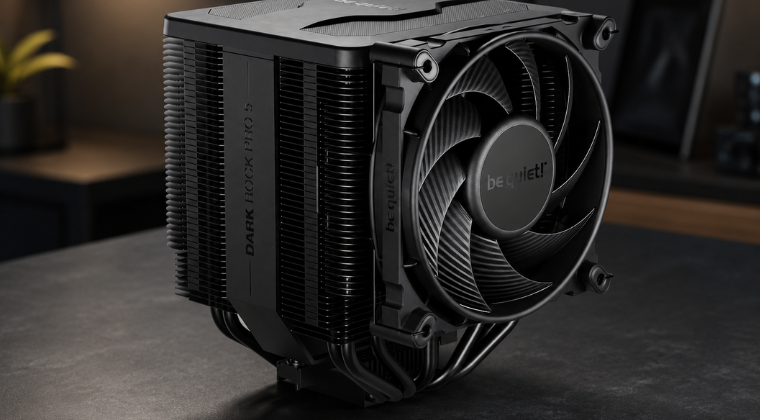
The be quiet! Dark Rock Pro 5 is rated at just 23.3 dB(A) at full speed, quieter than a whisper. It handles up to 270W of CPU thermal load using seven copper heat pipes and a pair of bundled Silent Wings PWM fans (135mm and 120mm). Because the twin-tower heatsink is so efficient, the fans rarely need to spin hard even under sustained load. The practical result is a CPU cooler that is genuinely hard to hear during normal use.
Pairing a Silent Base case, Silent Wings fans and a Dark Rock Pro 5 cooler gives you a build where the loudest thing in the room is usually you typing.
Tips for Building a Genuinely Quiet PC
Choosing quiet components is the biggest single step. But a few extra decisions during the build can make a real difference to the final noise level.
- Use larger fans at lower RPM. A 140mm fan at 800 RPM typically shifts as much air as a 120mm at 1500 RPM, with noticeably less noise. be quiet!’s larger fan models are designed with exactly this trade-off in mind.
- Enable PWM fan control. Let your motherboard scale fan speed to match actual temperatures. At idle, a well-configured system can run its fans near silence. Pure Wings and Silent Wings fans both support PWM.
- Isolate vibrations properly. Mount fans and drives using rubber grommets or anti-vibration pads. be quiet! cases include these for fans and storage bays as standard.
- Choose SSDs over spinning hard drives. SSDs produce no noise at all. If you still have an HDD in your build, consider whether it is still necessary.
- Keep things clean. Dust build-up forces fans to spin faster to maintain airflow. Regular cleaning of intakes, exhausts and radiators keeps noise low over time.
- Consider GPU fan behaviour. Many modern graphics cards allow fans to stop entirely at low load. If yours does not, check whether your GPU manufacturer offers a fan curve utility to soften the ramp-up.
If you are starting from scratch and want guidance on putting a full build together, our Complete Beginner’s Guide to Building Your First PC walks through component selection with quiet build options included.
What Users Actually Report
Specifications and dB ratings only tell part of the story. The more telling evidence comes from people who built quiet PCs out of necessity rather than preference.
One user with worsening hyperacusis and tinnitus described switching their entire build over to be quiet! components, including the Pure Base 600 case, Dark Rock 4 cooler and Silent Wings 4 fans. Their summary: “After rebuilding my PC with the Pure Base 600, Dark Rock 4 cooler and Silent Wings 4 fans, I have a very quiet computer. All of my issues with tolerating the sound of my PC are gone.”
That kind of outcome is not unusual among noise-sensitive users who make the switch. On tech forums and review communities, comments along the lines of “my old build sounded like a hairdryer” followed by relief after switching to silent components come up regularly. The consistent theme is that the reduction in noise is immediately noticeable, and for people whose symptoms were being triggered daily, the change is significant.
be quiet! has maintained a loyal following precisely because their products deliver on the promise consistently. For users who need quiet rather than simply preferring it, that reliability matters more than benchmark scores.
Summing Up: Silence Is Worth Investing In
A noisy PC is an inconvenience for most people. For someone living with hyperacusis, tinnitus, misophonia, autism-related sensory sensitivity or migraines, it can be a daily source of real discomfort. The good news is that the hardware to address it exists, it works well, and it does not require spending a fortune.
be quiet! has spent over two decades building cases, fans and coolers around one idea: make the PC as close to inaudible as possible without sacrificing cooling performance. The Pure Base and Silent Base cases, Silent Wings 4 fans and Dark Rock Pro 5 cooler are all practical choices that deliver on that promise in day-to-day use.
Beyond choosing the right brand, a few sensible decisions during the build, such as larger fans at lower speeds, proper vibration isolation and PWM control, push things even further. The difference between a standard build and a well-planned quiet one is often dramatic.
Whether you are building for health reasons or simply want a more peaceful computing environment, investing in quiet components is one of the most worthwhile upgrades you can make. The silence pays for itself quickly.