
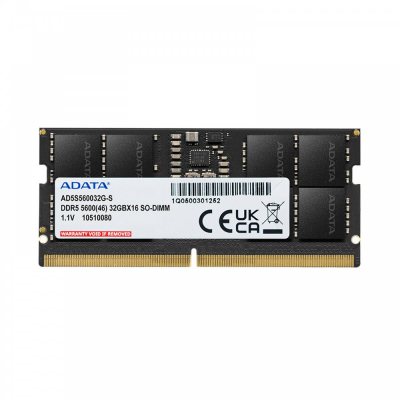
ADATA Adata Premier 16GB DDR4 2666MHz SODIMM RAM 16GB (1x 16GB) · DDR4 · 2666MHz In stock· Online only
£109.99inc VAT£114.98 delivered
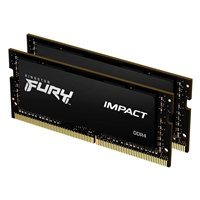
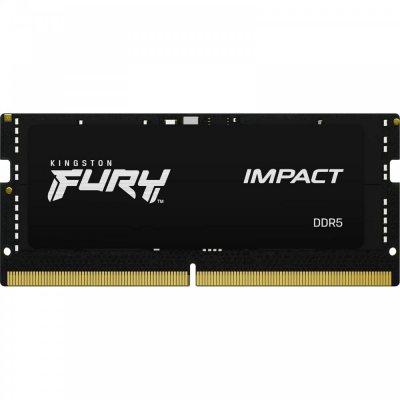
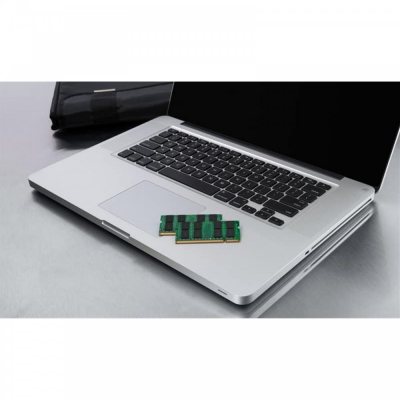
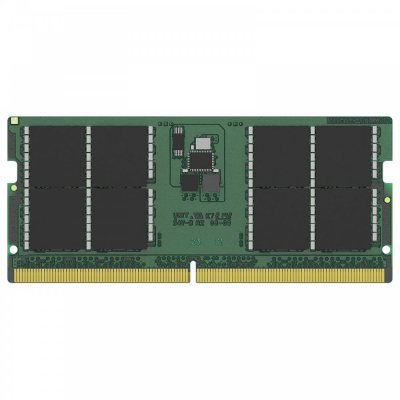
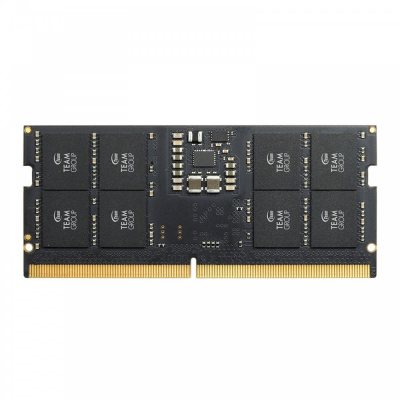
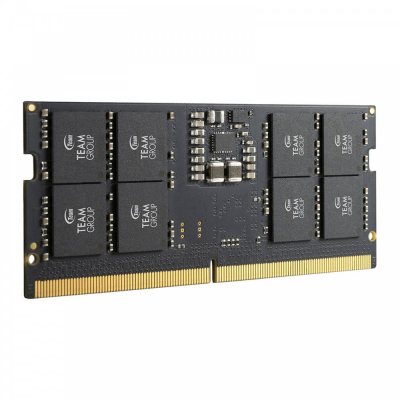
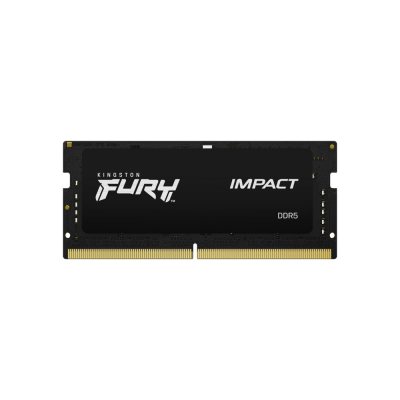
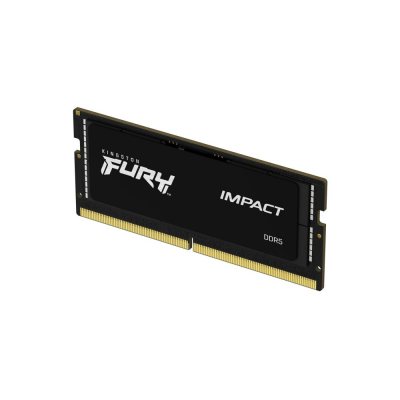
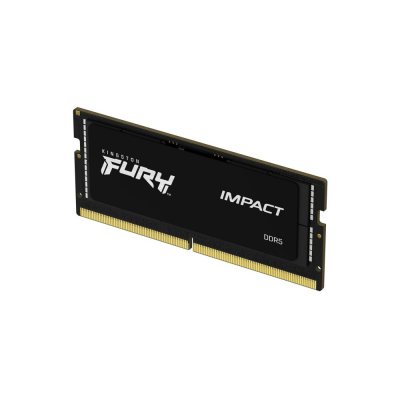
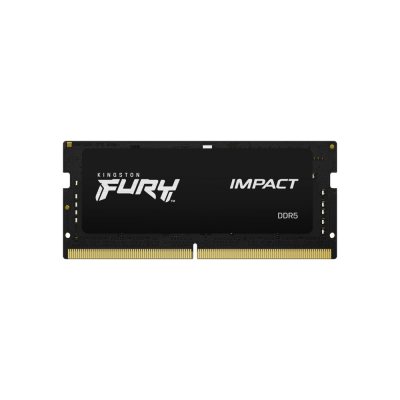
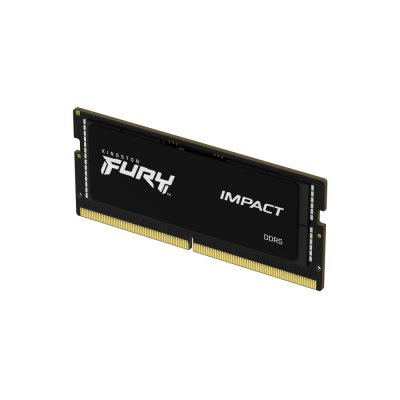
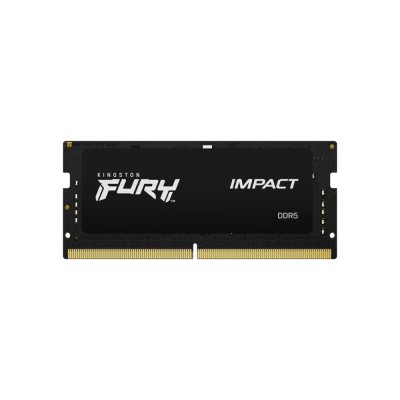
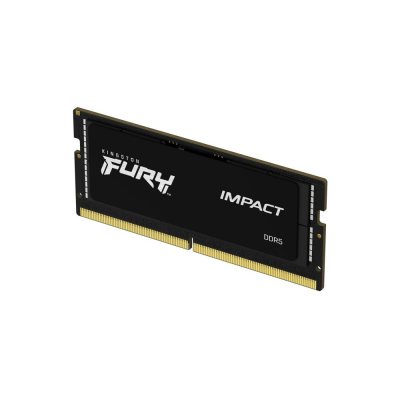
Laptops use a shorter memory stick called a SODIMM. Adding RAM is one of the most affordable ways to make an older laptop feel quicker, but only if your laptop has a free or replaceable memory slot. Many thin laptops have memory soldered to the board and cannot be upgraded at all. We list DDR4 SODIMMs, mostly 3200MHz, and DDR5 SODIMMs at 4800 and 5600MHz, in 8GB, 16GB and 32GB sticks. Check which type your laptop takes before ordering.







































Nothing matches those filters. Try removing one.
Open Task Manager, go to Performance, then Memory. It shows how many slots are used, and the form factor. "SODIMM" means removable sticks. "Row of chips" usually means the memory is soldered and cannot be changed. The maker's specification page or service manual for your exact model will confirm the maximum memory and the number of slots. LPDDR4X and LPDDR5X memory is always soldered.
A DDR4 SODIMM has 260 pins and a DDR5 SODIMM has 262, with the notch in a different place. One will not fit the other's slot. As a rough guide, laptops from about 2022 with Intel 12th gen or Ryzen 6000 and newer often use DDR5. Older ones use DDR4. Always go by your model's specification, not the year alone.
For browsing, email and office work, 16GB is comfortable. Gaming laptops and laptops used for photo or video editing benefit from 32GB. If your laptop has two slots, two matching sticks run in dual channel, which helps laptops with built-in graphics a lot. If a slot is already filled, match its speed and size where you can.