

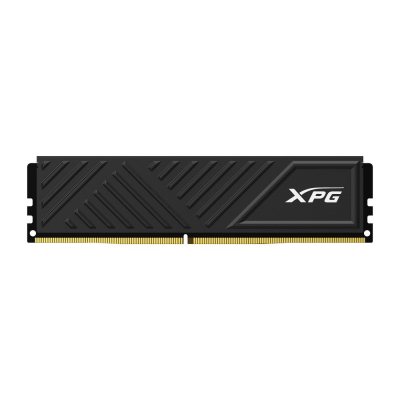
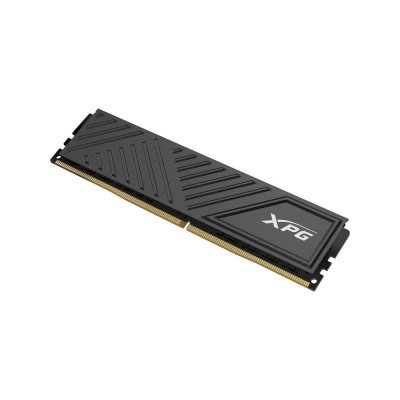
ADATA Adata XPG Gammix D35G 8GB DDR4 3600MHz RAM 8GB (1x 8GB) · DDR4 · 3600MHz In stock· Online only
£70.99inc VAT£75.98 delivered
DDR4 is still the memory in millions of PCs, from AM4 Ryzen builds to Intel 6th to 14th gen desktops. If you are upgrading an existing PC rather than building a new one, this is probably the page you need. Most of our DDR4 runs at 3200MHz, with some 3600MHz kits that suit Ryzen 3000 and 5000 well. Check your current sticks before you buy, so the new ones match in speed and size. These are desktop sticks. For laptops, go to laptop RAM.





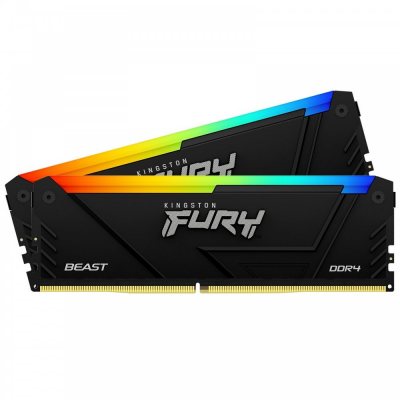


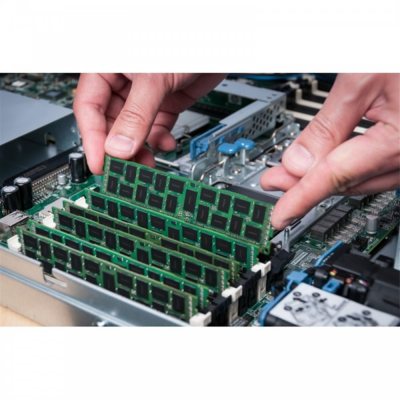

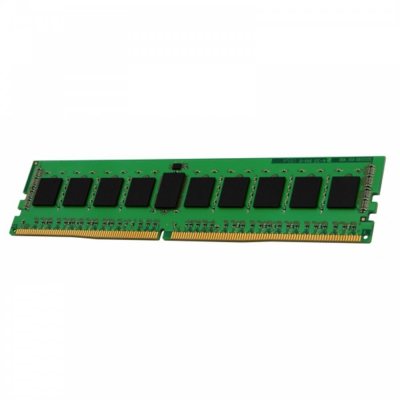
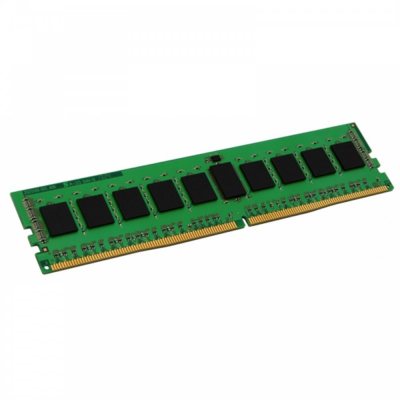












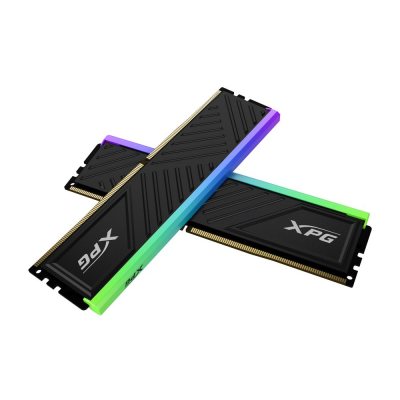


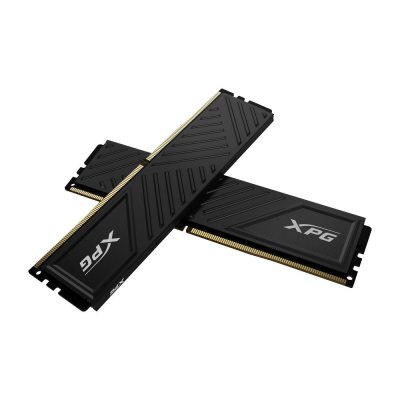

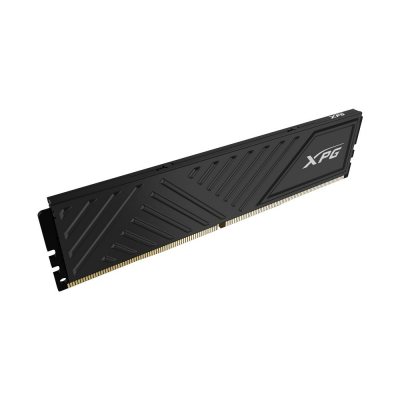


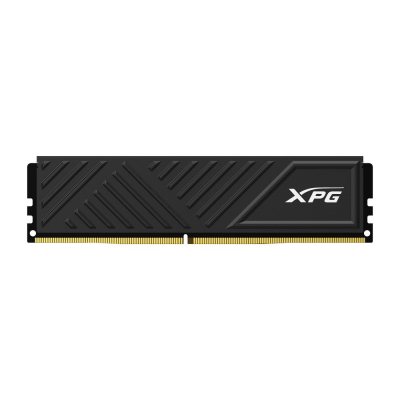









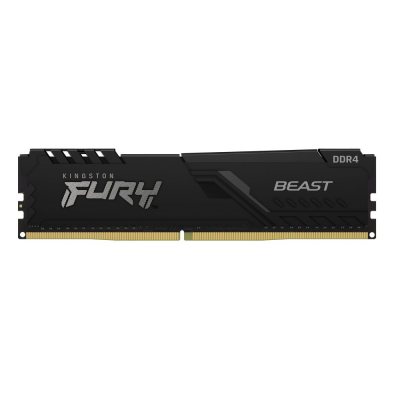





Nothing matches those filters. Try removing one.
You can add DDR4 to existing DDR4, but it runs at the speed of the slowest stick. For fewest problems, match the capacity of each stick and the speed of what is already fitted. Task Manager in Windows shows the speed under Performance, then Memory. If your PC has two slots full, you may get more from replacing both sticks with a larger matched kit.
For Intel desktops and most AM4 systems, 3200MHz is the safe, widely supported speed. On Ryzen 3000 and 5000, 3600MHz can give a small lift in games because it suits the processor fabric speed. Either way, enable the XMP profile (sometimes called DOCP on ASUS boards) in the BIOS, or the RAM will run at a lower default speed.
For an upgrade, yes. It is the only option for AM4 and older Intel boards, and for LGA1700 boards with "D4" in the name. For a brand new build, AM5 and LGA1851 are DDR5 only, so pick a platform first and memory second. Our DDR5 RAM page covers the newer standard.