Season's greetings from Manchester PC Christmas gift ideas
Manchester PC Shop

1TB SSDs

1TB is the size most people should start with for a main drive. Windows, your programs and a handful of large games fit comfortably, with room for photos and updates. The choice at this size is mostly about how the drive connects. An M.2 NVMe 1TB suits any desktop or laptop with an M.2 slot. A 2.5-inch SATA 1TB is the drop-in upgrade for older laptops and PCs that have a hard drive bay but no M.2 slot.

16 in stock
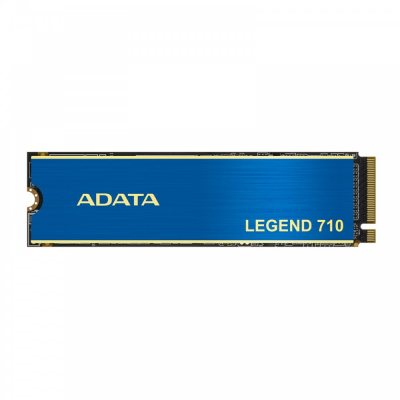
ADATA Adata Legend 710 1TB NVMe SSD 1TB · M.2 · M.2 NVMe PCie 3.0 In stock· Online only
£130.99inc VAT£135.98 delivered
Apacer Apacer 1TB PCIe Gen4 x4 1TB · M.2 · M.2 NVMe PCie 4.0 In stock· Online only
£165.99inc VATFree delivery
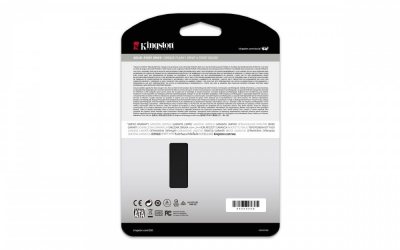
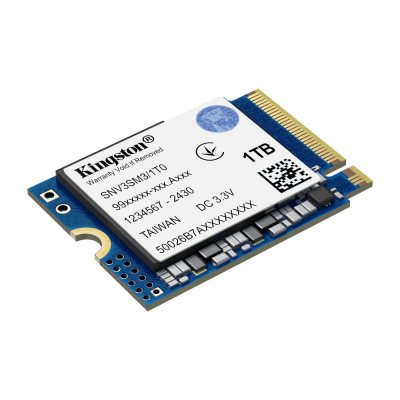
Kingston Kingston NV3 1TB NVMe SSD 1TB · M.2 · M.2 NVMe PCie 4.0 In stock· Online only
£145.99inc VAT£150.98 delivered
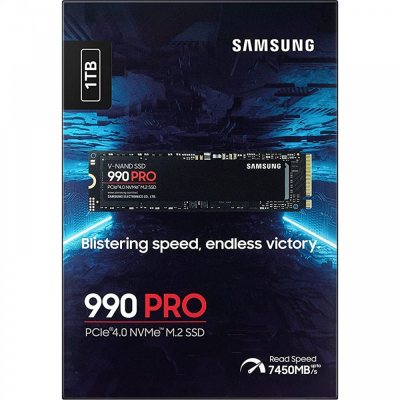
Samsung Samsung 990 PRO 1TB NVMe SSD 1TB · M.2 · M.2 NVMe PCie 4.0 In stock· Online only
£263.99inc VATFree delivery
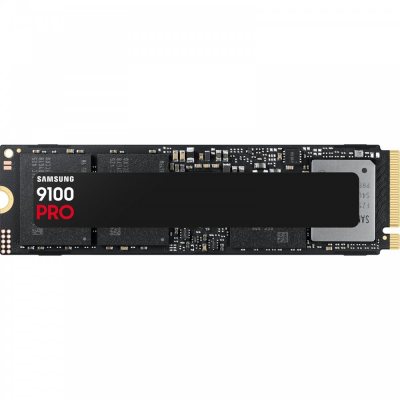
Samsung Samsung 9100 Pro 1TB SSD 1TB · M.2 · M.2 NVMe PCie 5.0 In stock· Online only
£255.99inc VATFree delivery
Team Team MP33 1TB NVMe SSD 1TB · M.2 · M.2 NVMe PCie 3.0 In stock· Online only
£131.99inc VAT£136.98 delivered
Team Team NV5000 1TB M.2 Interface 1TB · M.2 · M.2 NVMe PCie 4.0 In stock· Online only
£141.99inc VAT£146.98 delivered
£4.99 tracked deliveryFree on orders over £150. One charge per order.
Secure checkoutCard payments are handled by Stripe.
14-day returnsChange your mind within 14 days of delivery.
Rated 4.9 by customersFrom 150 Google reviews of our repair service.

Choosing 1TB SSDs

NVMe or SATA at 1TB?

If your PC has a free M.2 NVMe slot, choose NVMe. It is several times faster than SATA and needs no cables. A SATA SSD tops out around 550MB/s because of the SATA connection itself, but it is still a huge step up from a hard drive. It is the right pick for laptops and desktops from before M.2 slots were common, roughly older than 2016.

Is 1TB enough?

For an everyday PC, yes, with plenty to spare. For gaming, it holds Windows and several big titles, but some games now need 100GB or more each. If you keep a large library installed, look at 2TB SSDs, or add a second drive later. Desktops make that easy, laptops less so.

Which 1TB NVMe tier?

Most of our 1TB NVMe drives are PCIe 4.0, which is the sweet spot for price, speed and heat. A few are PCIe 5.0, which only helps on boards with a Gen5 M.2 slot and when copying very large files. PCIe 3.0 drives are fine as a second drive or in an older PC. See all speeds on our NVMe SSDs page.

Frequently Asked Questions

Is a 1TB SSD enough for gaming?
For a few current games at a time, yes. Windows takes around 30 to 40GB and many big games use 70 to 150GB each. If you like to keep lots installed, 2TB gives more breathing room.
What is the difference between M.2 and SATA SSDs?
An M.2 NVMe SSD plugs into the motherboard and runs over PCIe, often at 3,500 to 7,000MB/s or more. A 2.5-inch SATA SSD connects with cables and is limited to about 550MB/s. Both are much quicker than a hard drive.
Can I put a 1TB SSD in my old laptop?
Often, yes. Many older laptops with a 2.5-inch hard drive can take a 2.5-inch SATA SSD in its place. Newer laptops usually have an M.2 slot instead. Check your model's specification before buying.
Should my 1TB SSD be my boot drive?
Yes. Putting Windows on the SSD is what makes a PC start and open programs quickly. A hard drive can stay in as a second drive for files if you have one.

Before you add this to your basket

This does not include:

    Not sure? Call us on 0161 820 1992 before you order.

    ☎ Call Now Basket