
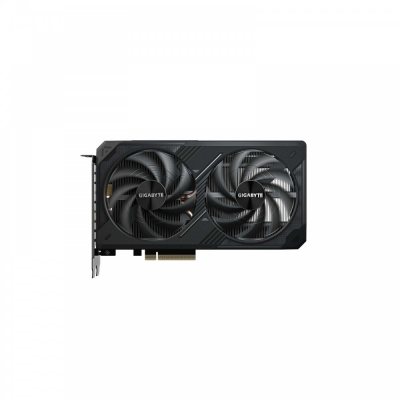
Gigabyte Gigabyte GeForce GT 710 2GB DDR3 Low Profile Graphics Card GT710 · 2GB In stock· Online only
£58.99inc VAT£63.98 delivered
The graphics card draws everything you see in a game and does much of the heavy lifting in video and 3D work. Our range covers current gaming cards from NVIDIA GeForce, AMD Radeon and Intel Arc, low-profile cards for adding screens to an office PC, and a few professional workstation cards. Graphics card stock moves quickly, so check what is available today. Before you order, check the card length against your case, the power connectors it needs and your power supply's wattage.
















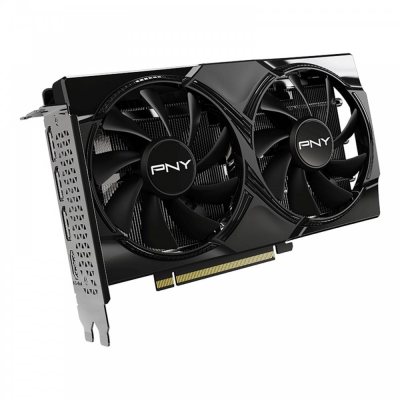

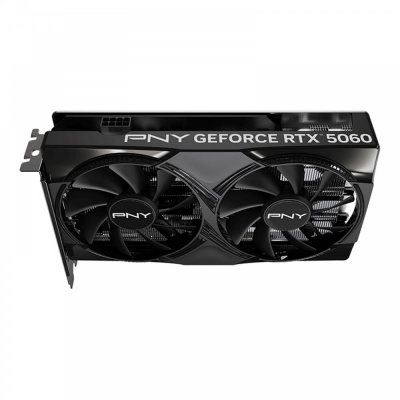


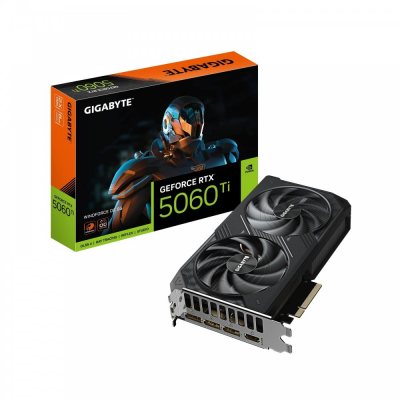



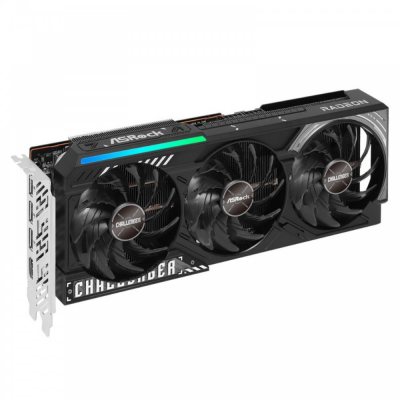






Nothing matches those filters. Try removing one.
Resolution and refresh rate set how much power you need. For 1080p gaming, cards at the level of an RTX 5060 or RX 9060 XT are a sensible fit. A 1440p screen, especially at a high refresh rate, needs more. If you only need to run extra monitors, or replace a dead card in an office PC, a basic low-profile card does the job without gaming power.
VRAM holds textures and other game data. 8GB is enough for many games at 1080p, but some newer titles at high settings want more, and 12GB or 16GB gives more room at 1440p. Where a card comes in 8GB and 16GB versions, the larger one tends to cope longer as games get heavier. Video editing and local AI tools also benefit from more VRAM.
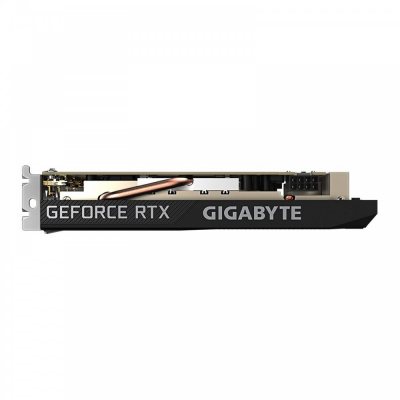
Check the recommended power supply wattage on the product page and the plugs the card needs, usually one or more 8-pin PCIe connectors or a single 16-pin 12V-2x6. Use a separate cable for each 8-pin socket where you can. Our PSU calculator estimates the wattage for your build, and this guide explains daisy-chained PCIe power cables.
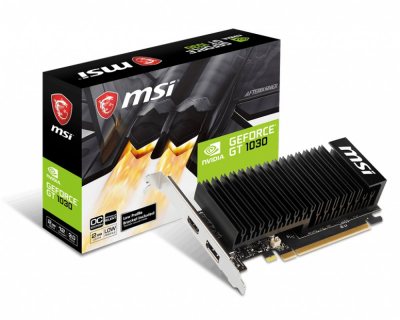
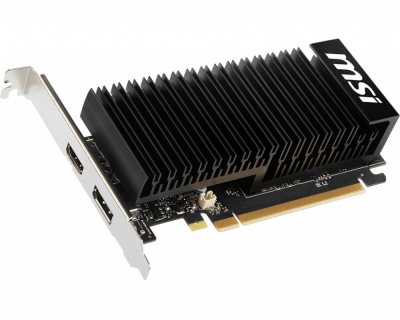
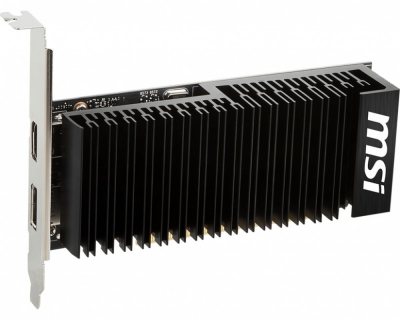
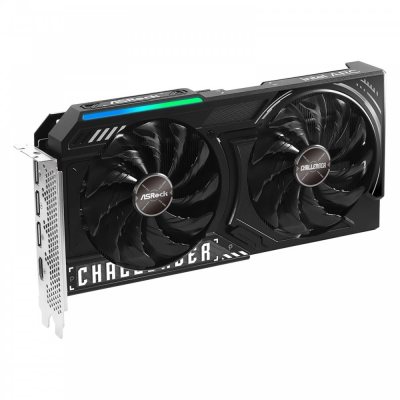
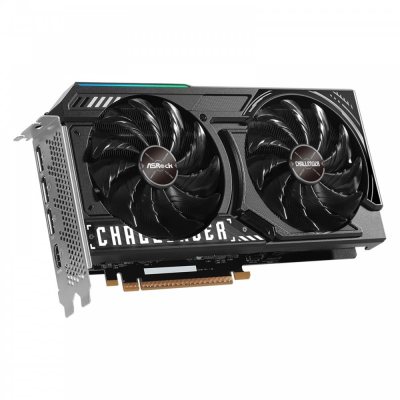
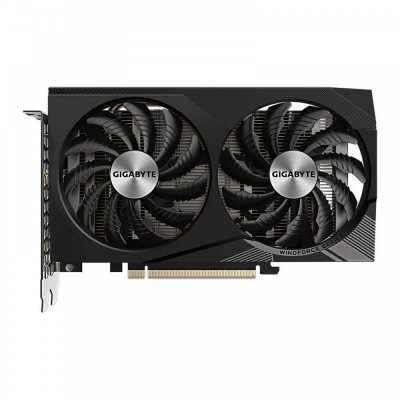
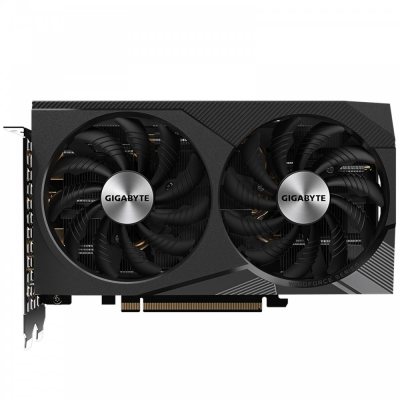
Gaming cards with two or three fans can be long and thick. Check your case's maximum graphics card length, and allow for front fans or a radiator. Slim office PCs often take only low-profile cards, which use a short bracket. A newer card works in an older PCIe x16 slot, though cards that use eight lanes can lose some speed on PCIe 3.0 boards.