


Vida VIDA Armour 650VA UPS Line-Interactive 0.65 kVA 390 W 2 650VA · 390W · Tower In stock· Online only
£49.99inc VAT£54.98 delivered
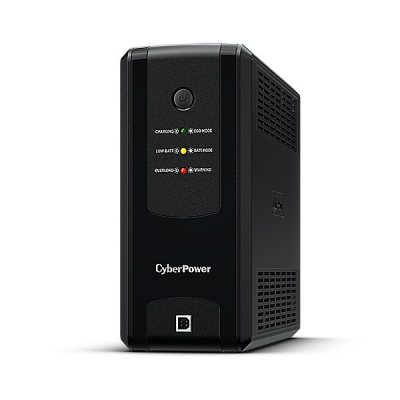
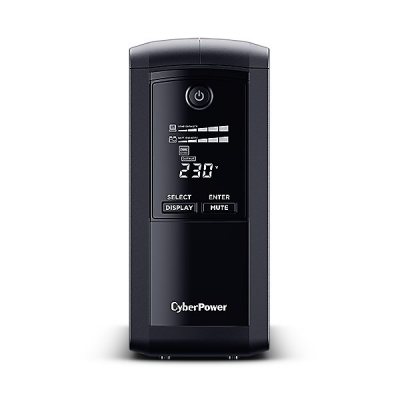
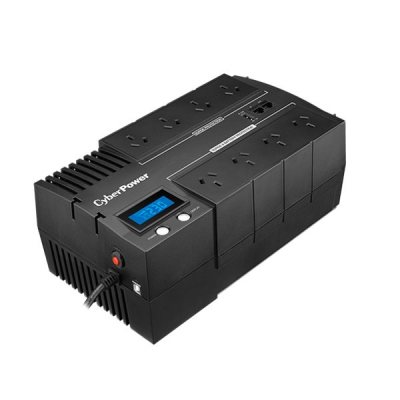
A UPS (uninterruptible power supply) sits between the mains and your equipment. When the power cuts out it switches to its battery in a fraction of a second, so your PC, router or server keeps running long enough to save your work and shut down properly. It also smooths out spikes and dips in the supply. We stock desktop and tower units for home offices and rack mount units for comms cabinets.









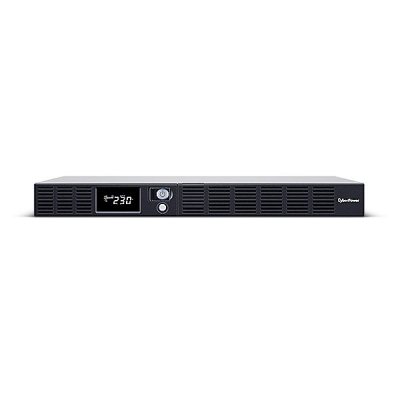


Nothing matches those filters. Try removing one.
Each UPS has two ratings: VA and watts. The watts figure is the one to check against your equipment. Add up the power your PC, monitor, router and anything else will draw, then pick a UPS with at least a quarter more watts than that total, so it is not running flat out. A typical office PC with a monitor and router sits well inside a 650VA to 1000VA unit.
A UPS is made to bridge a short cut or give you time to shut down, not to run a PC for hours. At a light load, a small desktop unit usually gives several minutes, and much less at full load. If you want longer, choose a bigger unit than the load needs. Many units connect by USB so your computer can shut itself down safely when the battery runs low.
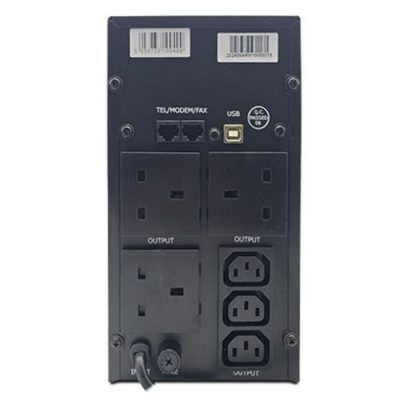
Line-interactive units suit most homes and offices: they correct small voltage changes and switch to battery when the power fails. Online (double conversion) units run your equipment from the battery circuit all the time, giving the cleanest power with no switch-over gap, and are the usual choice for servers and sensitive kit. Check the sockets too: some have UK plug sockets, while rack units usually have IEC sockets that need IEC leads.
Want suggestions based on what you look at? (stays in your browser, switch off any time).