

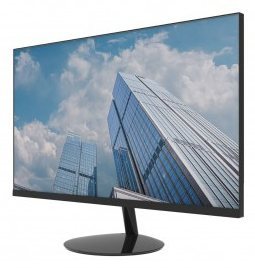


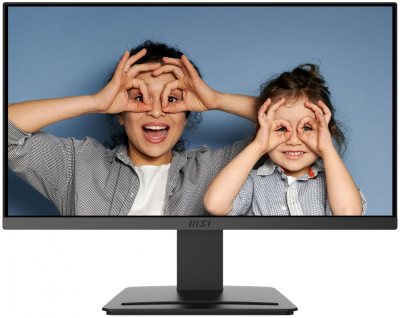
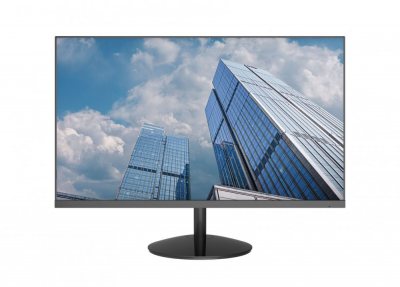
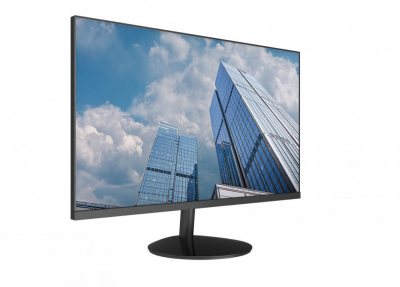
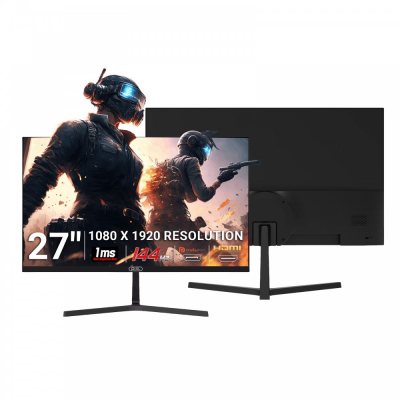
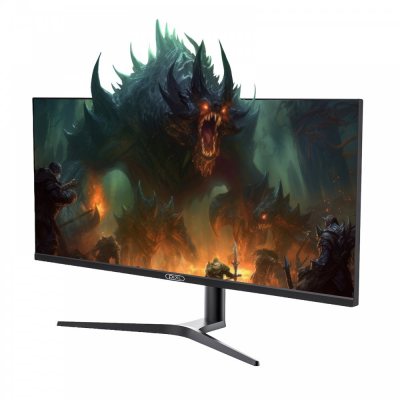
Dahua Technology Dahua Technology 22" FHD VA Monitor 21.4" · 1920x1080 · 100Hz In stock· Online only
£56.99inc VAT£61.98 delivered
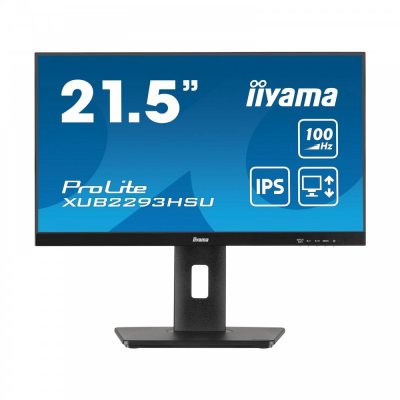
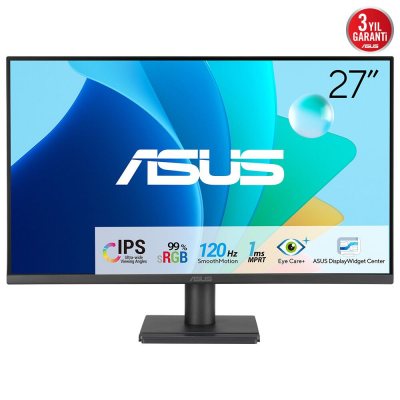
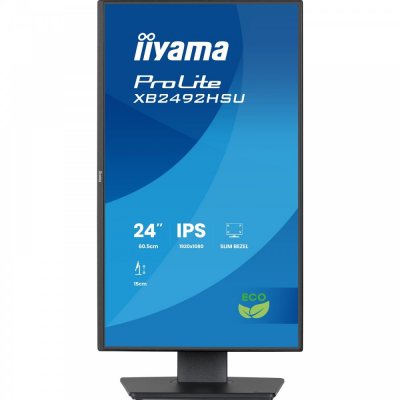
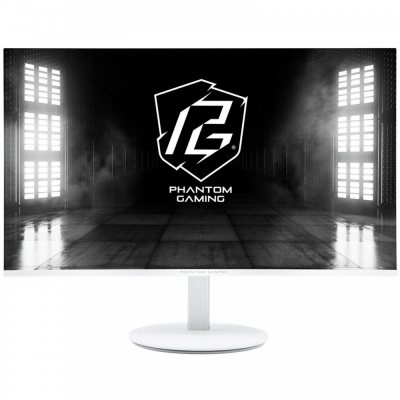
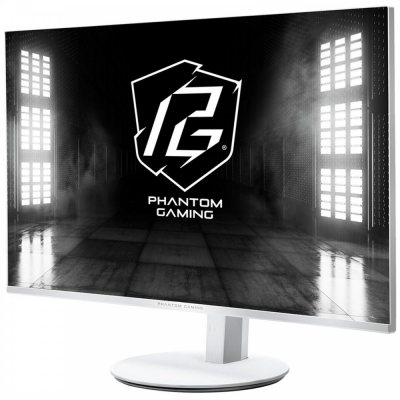
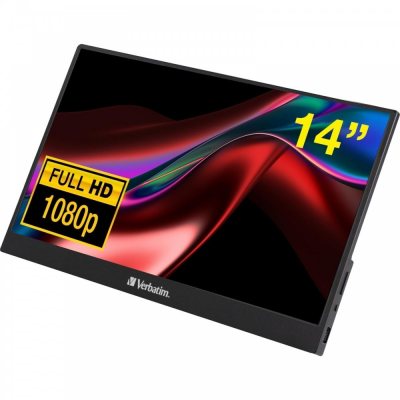
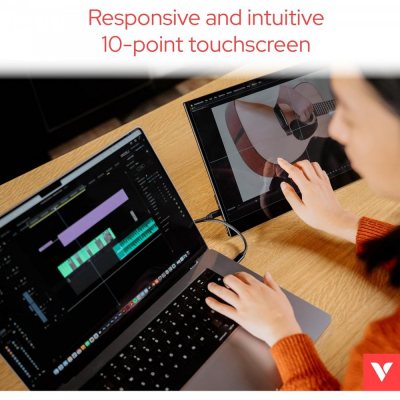
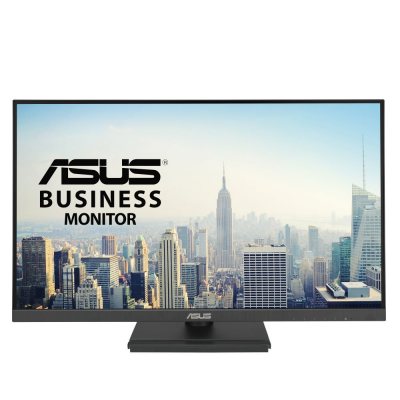
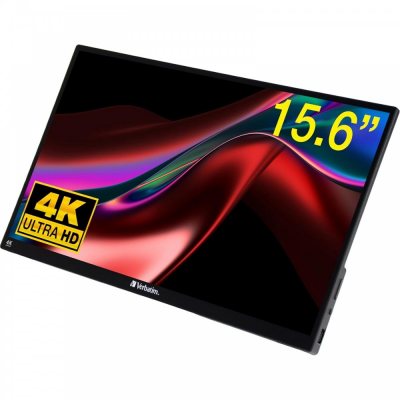
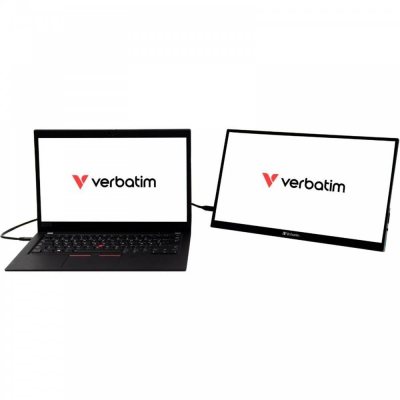
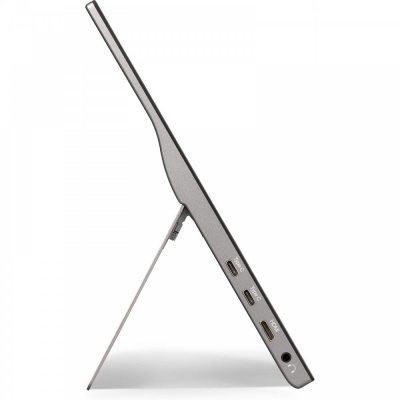
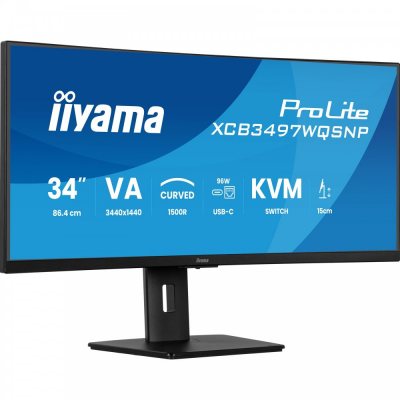
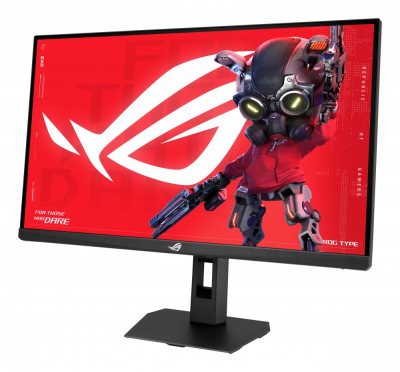
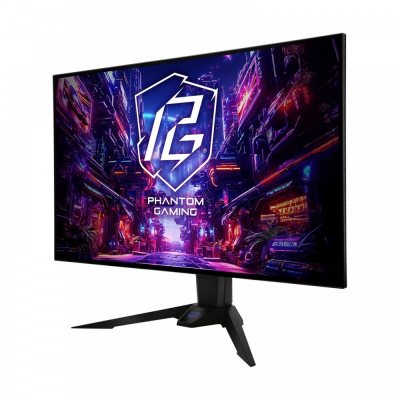
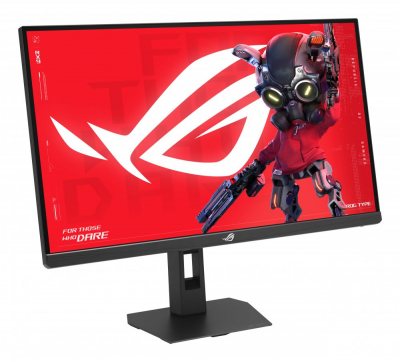
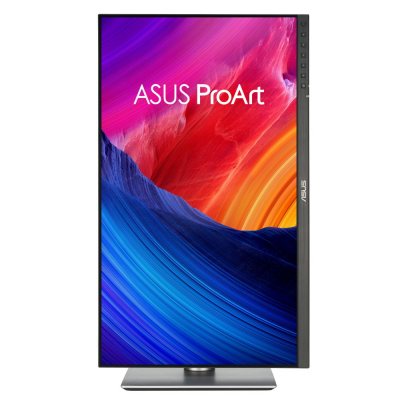
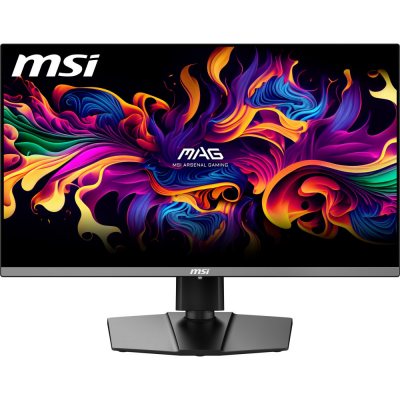
A good monitor is easier on the eyes, whether you are working, watching or gaming. We stock screens from about 22 to 34 inches, plus portable 15.6-inch displays, in Full HD, 1440p, ultrawide and 4K. Brands include iiyama, ViewSonic, ASUS, MSI and ASRock. Start with size and resolution, then refresh rate if you play games, then the ports and stand. If you sit at a desk all day, a height-adjustable stand is worth having.






















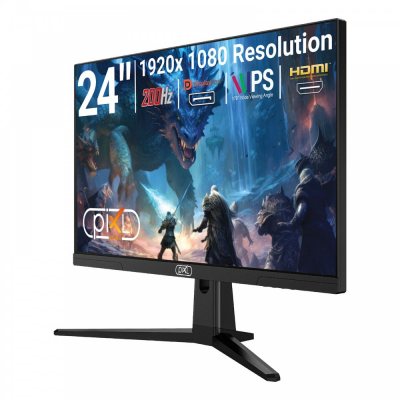


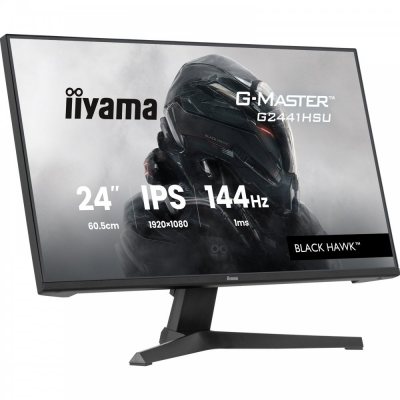







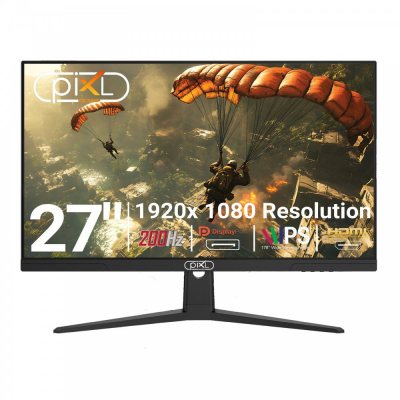

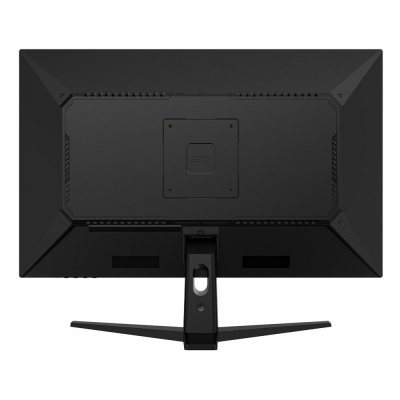


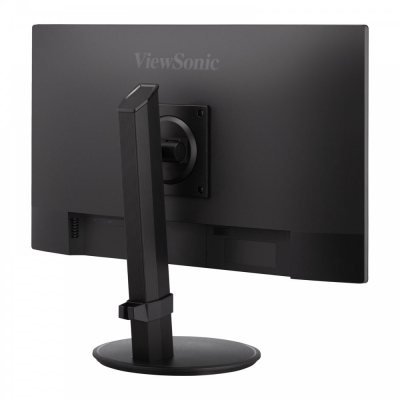


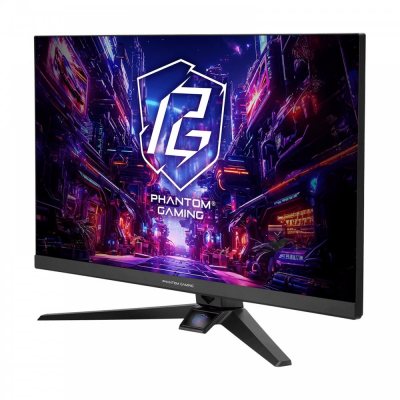











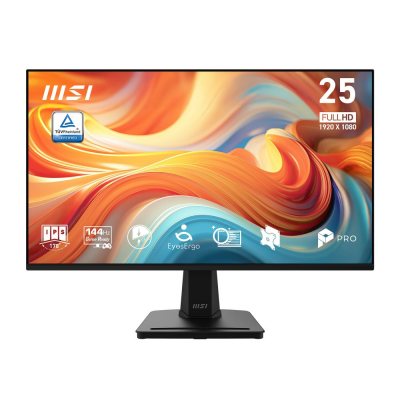





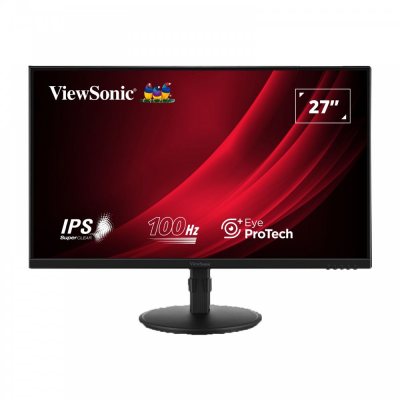
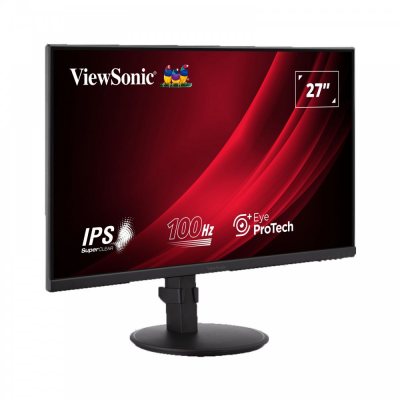
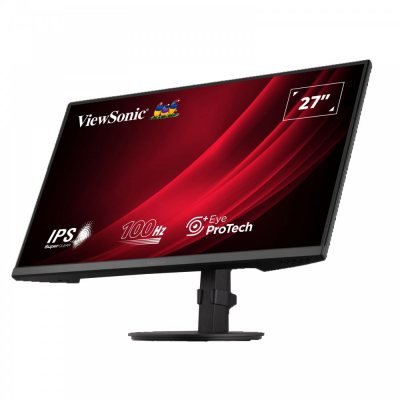

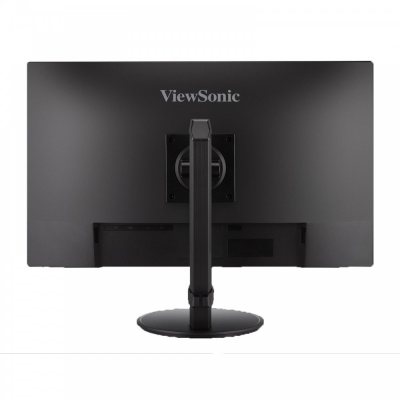

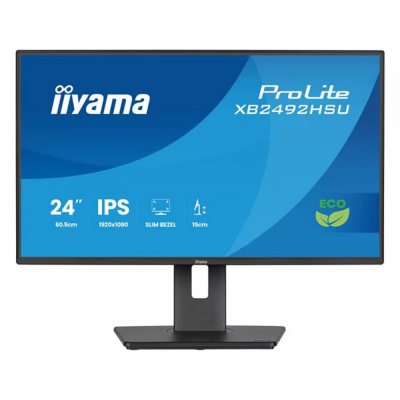




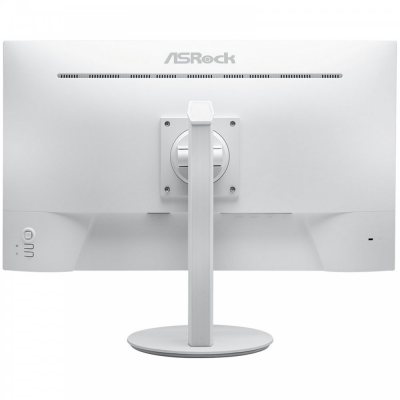

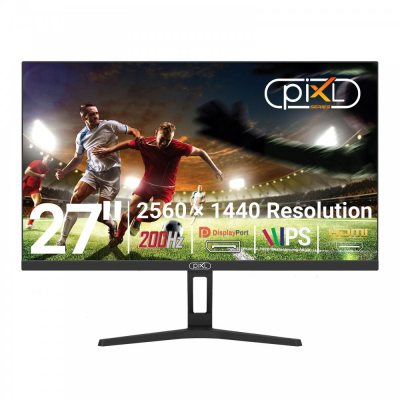


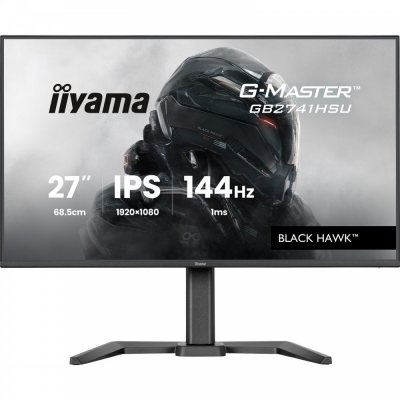


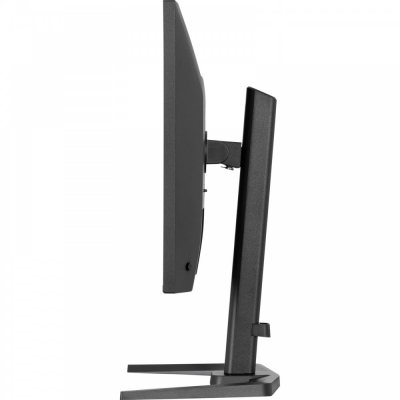


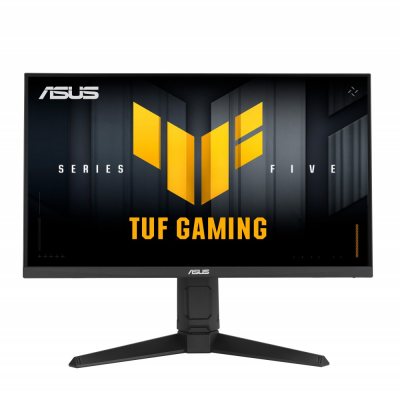

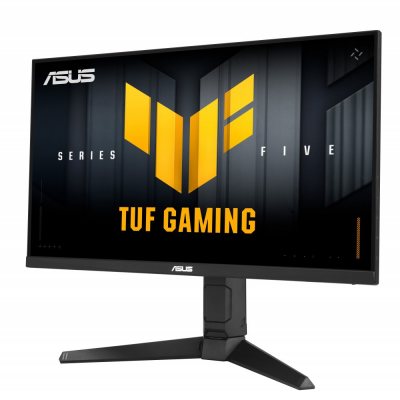
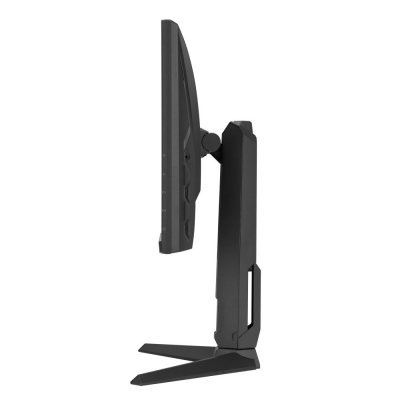















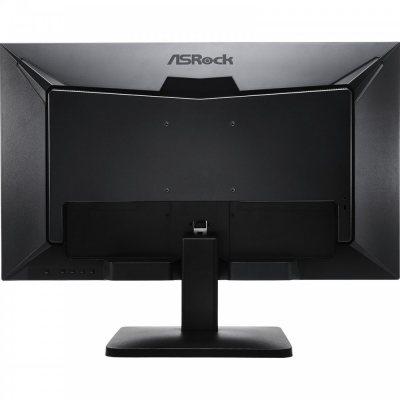

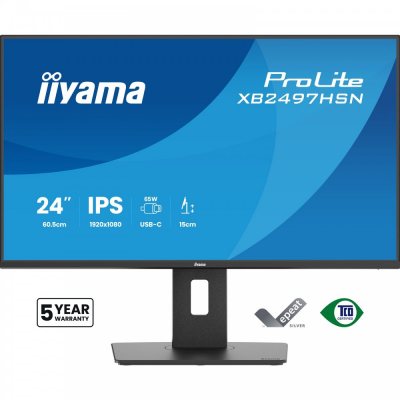
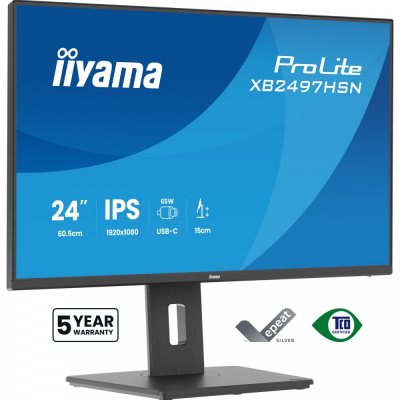


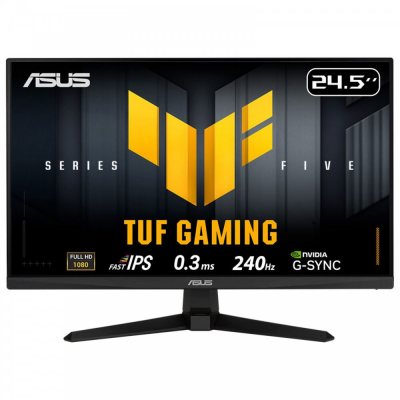




















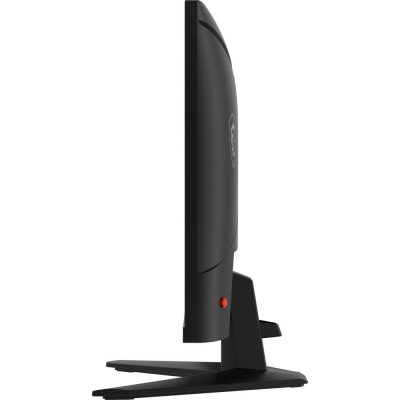


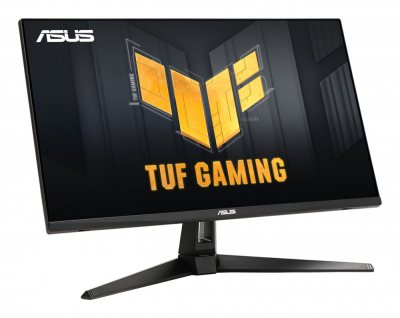
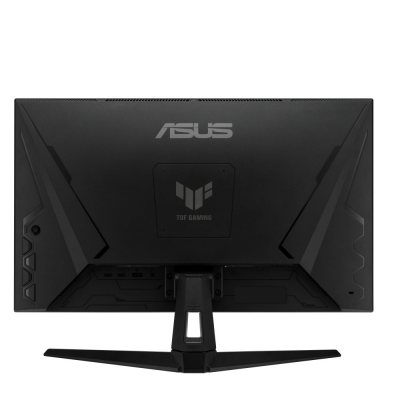


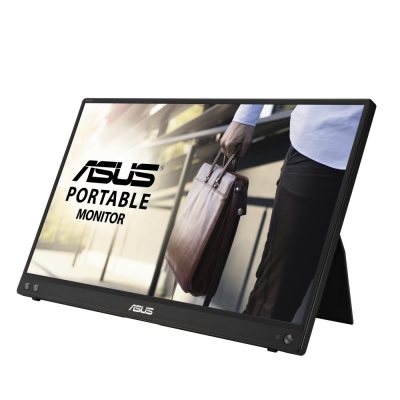


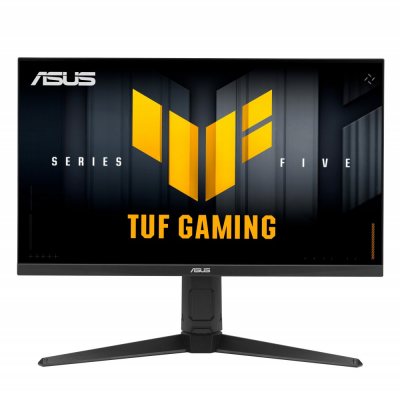


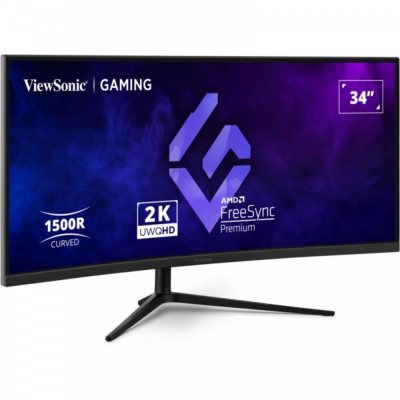


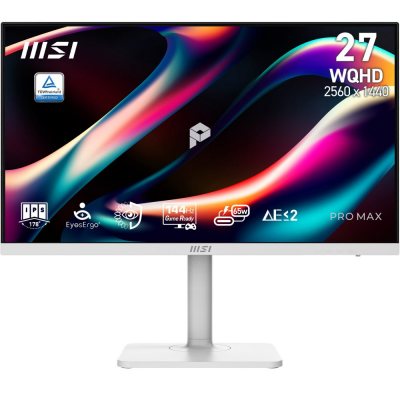


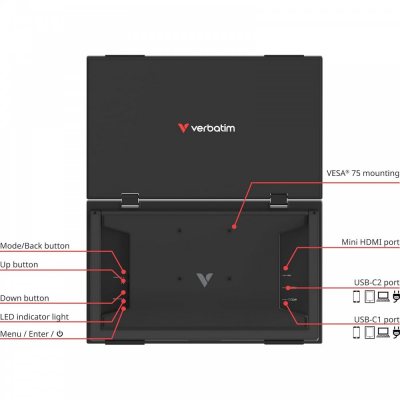









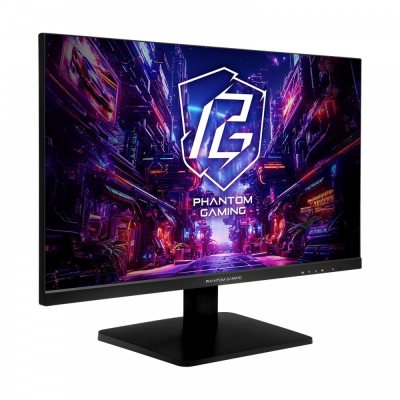
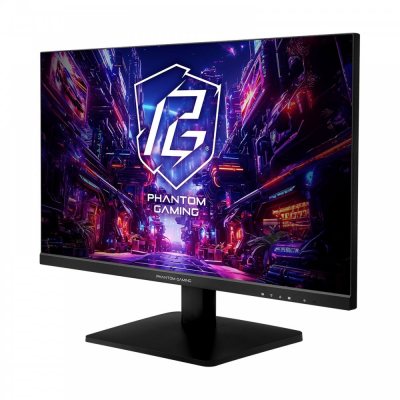


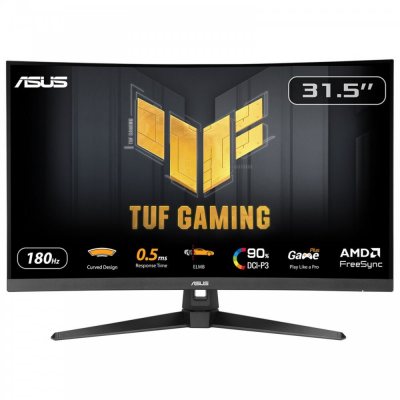


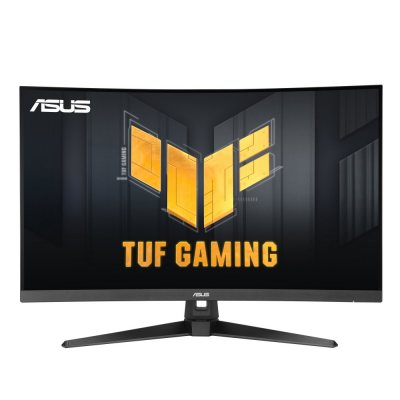






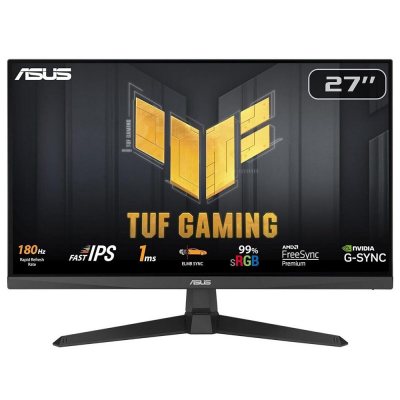


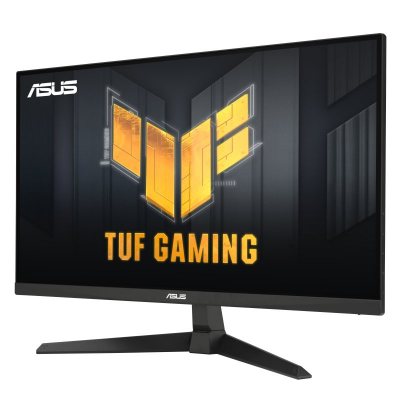


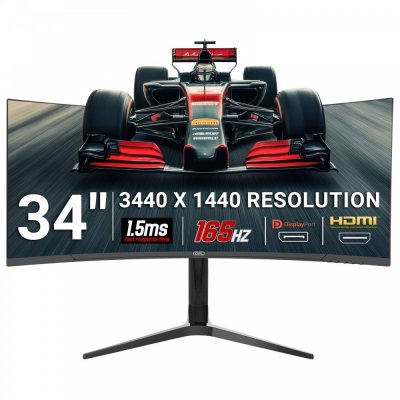


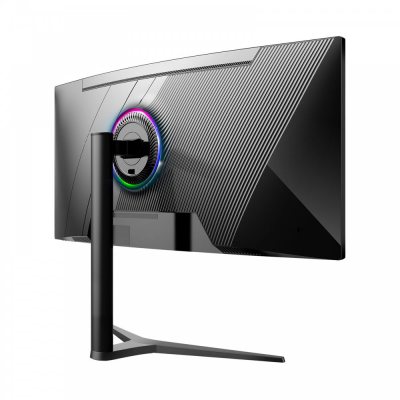













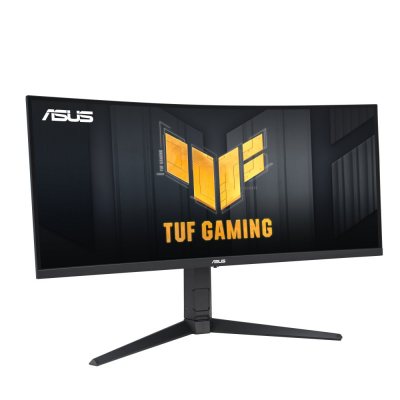


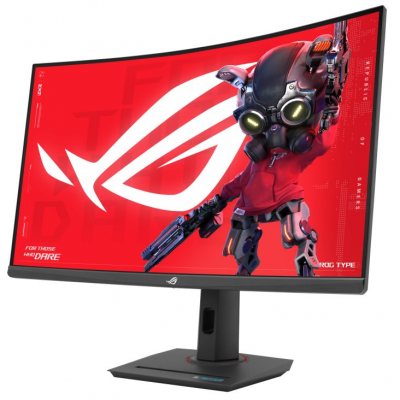


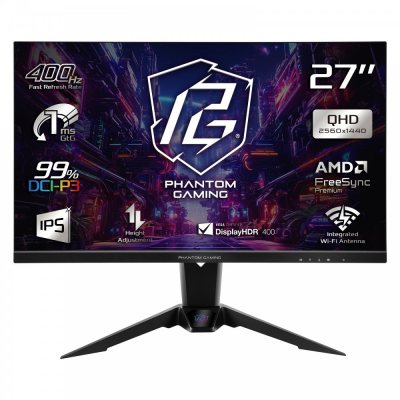


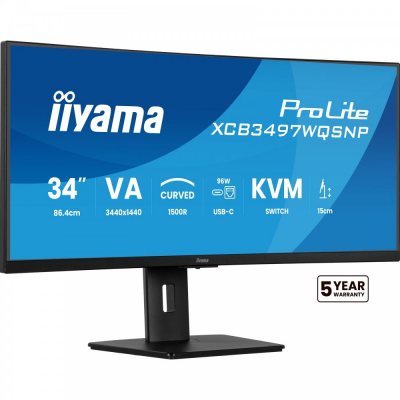






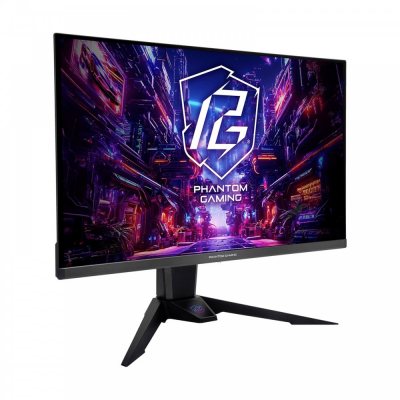
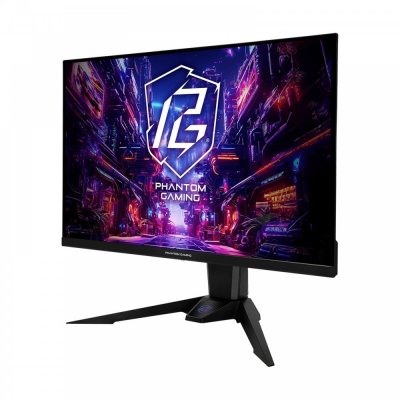
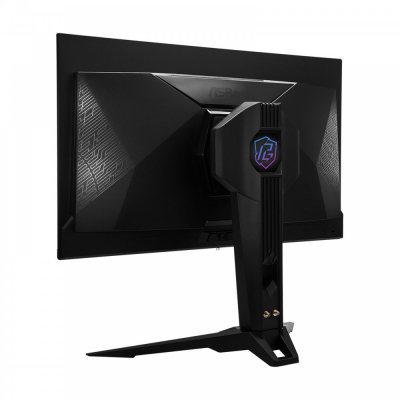
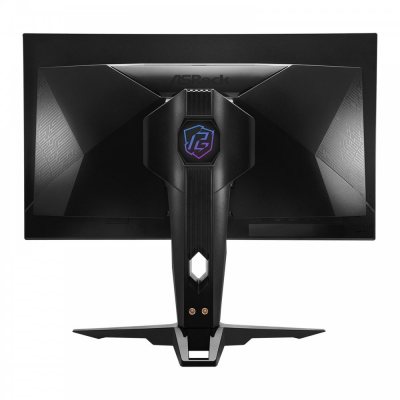

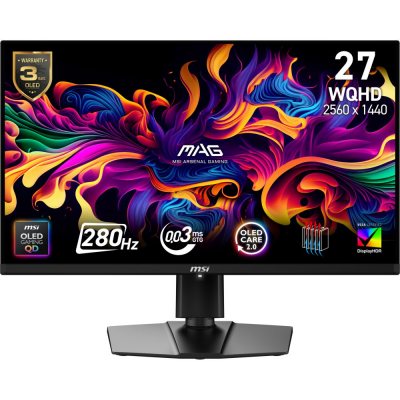















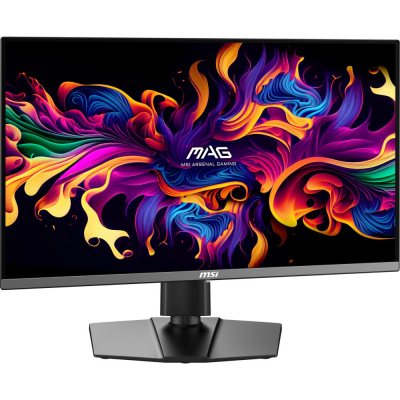
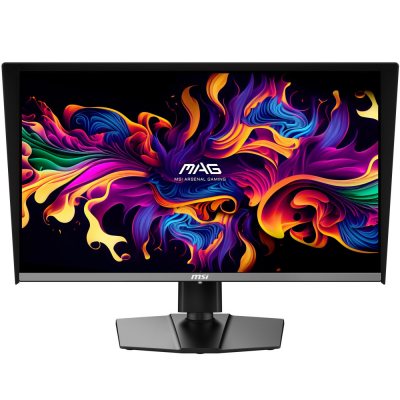

Nothing matches those filters. Try removing one.
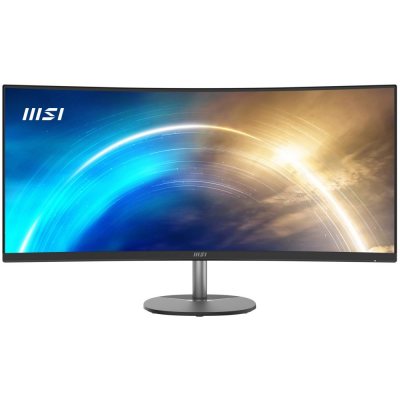
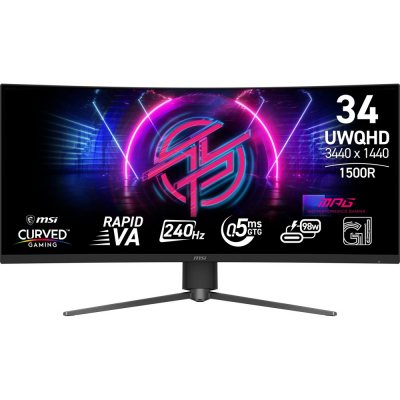
Resolution matters more as screens get bigger. Full HD (1920 x 1080) looks sharp at 22 to 24 inches. At 27 inches, 1440p (2560 x 1440) gives a crisper picture and more room for windows, which is why the two are a popular pairing. Ultrawide 34-inch screens suit multitasking and racing games. See our 27-inch monitors and 1440p monitors.
Refresh rate is how many times a second the picture updates. 60Hz is fine for office work, and 100Hz feels smoother even on the desktop. For gaming, 144Hz and above makes motion clearer and controls feel quicker, as long as your graphics card can produce the frame rates. Adaptive sync, sold as FreeSync or G-Sync Compatible, stops tearing. Browse our gaming monitors.
IPS panels give accurate colours and wide viewing angles, good for photos and general use. VA panels have deeper blacks, so they suit films and darker rooms, and are common on curved screens. OLED panels offer near-perfect blacks and very fast response. Makers measure response times in different ways, so treat the quoted figures as a rough guide only.
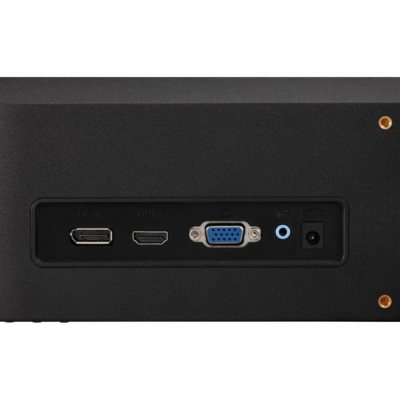
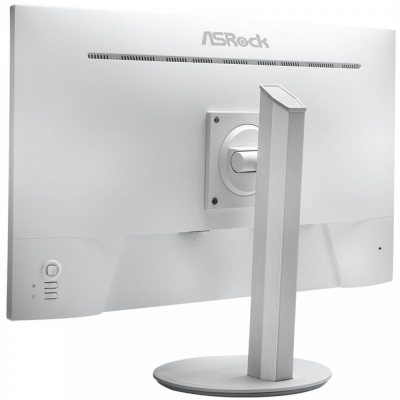
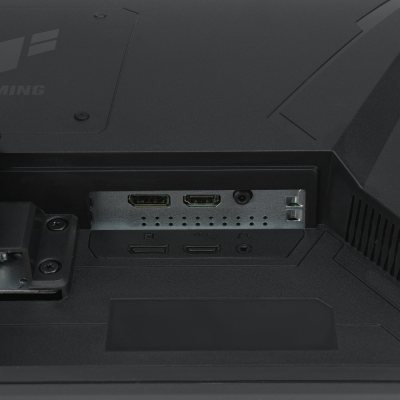
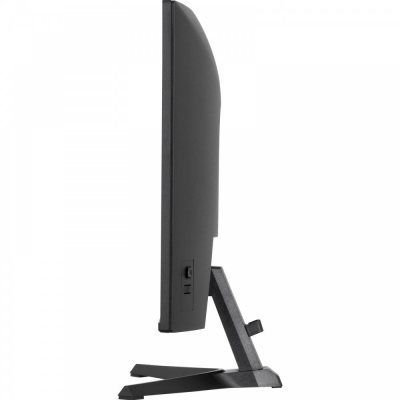
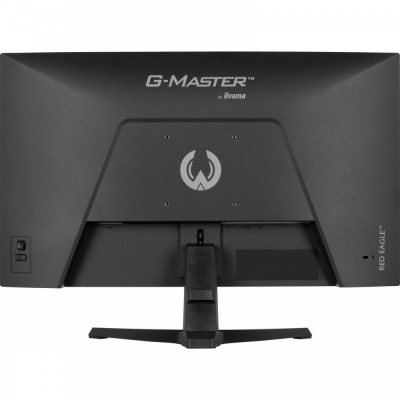
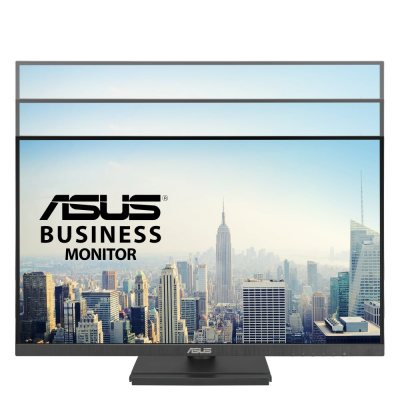
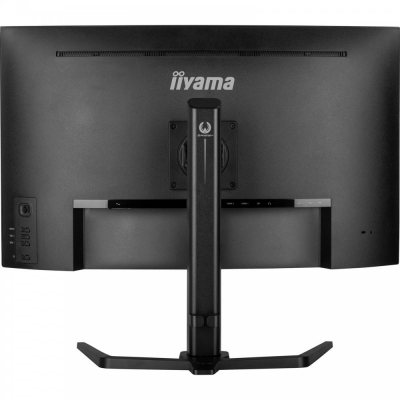
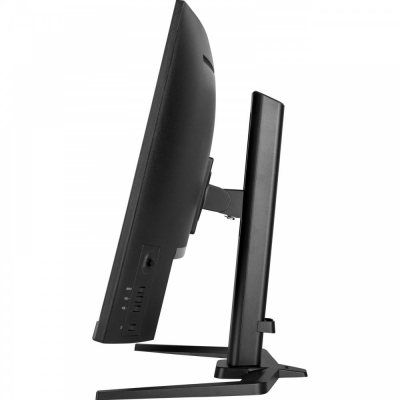
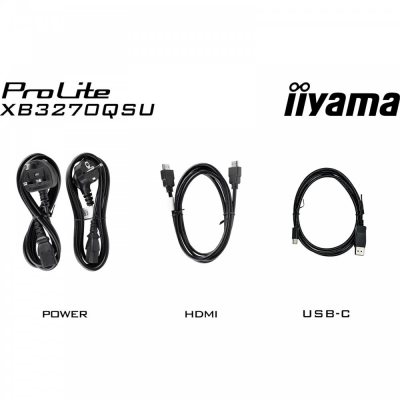
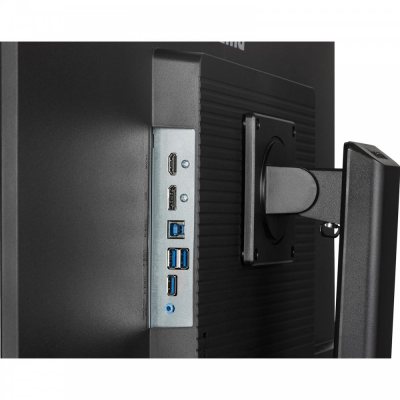
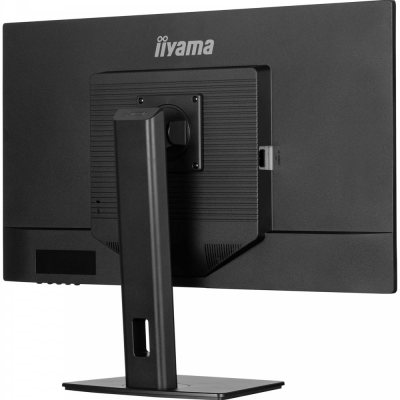
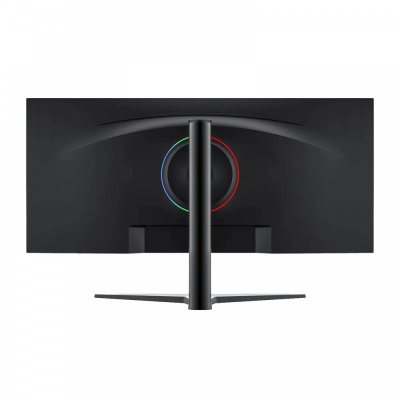
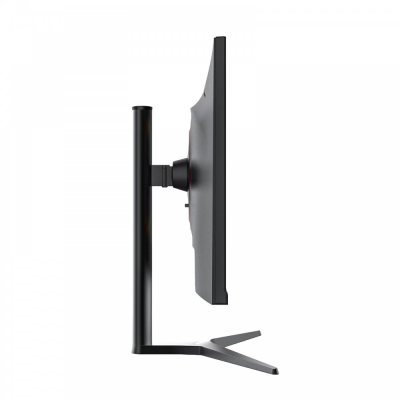
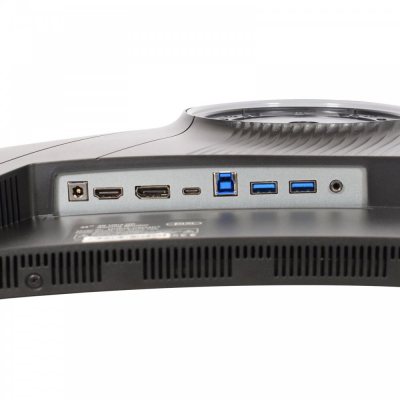
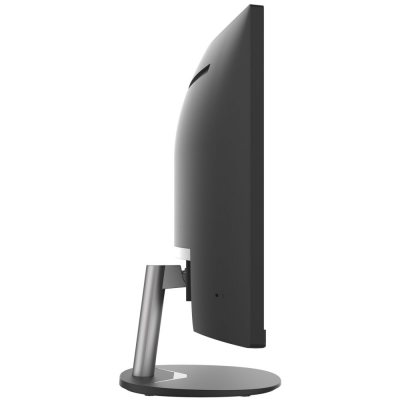
Check your computer's outputs first. Most monitors have HDMI, and many add DisplayPort, which is usually the one to use for high refresh rates on a PC. A USB-C port with power delivery lets some laptops charge and display over one cable. A height-adjustable stand helps your posture, and VESA mounting holes let you fit a monitor arm.